Skip to content
LBLucas Bianco
  • About
  • Projects
  • CAD and builds
  • Experience
  • Gallery
Contact

Gallery

25 photos

Build photos, drawings and the occasional picture of me outside the shop. Click any photo to see it big.
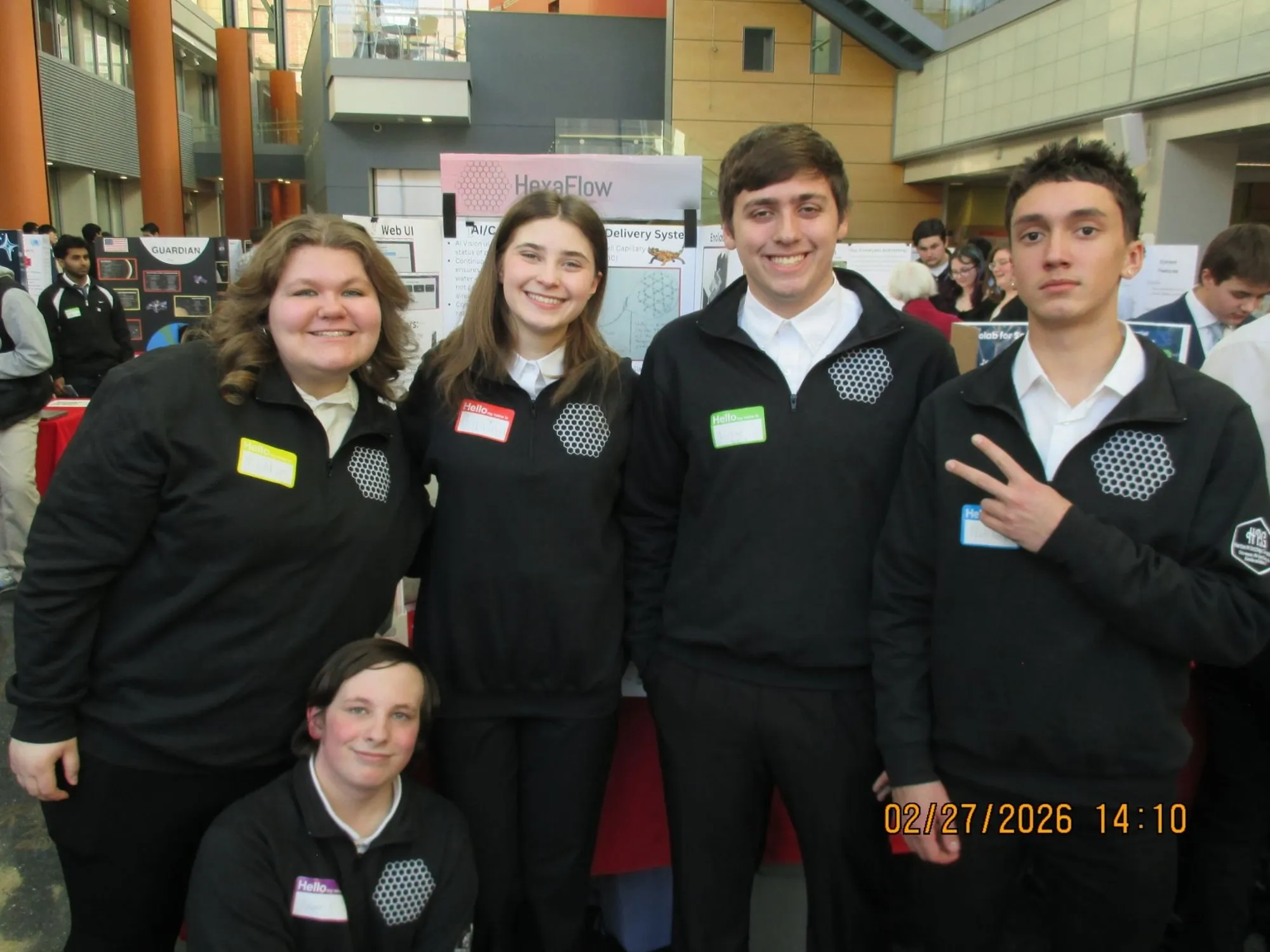
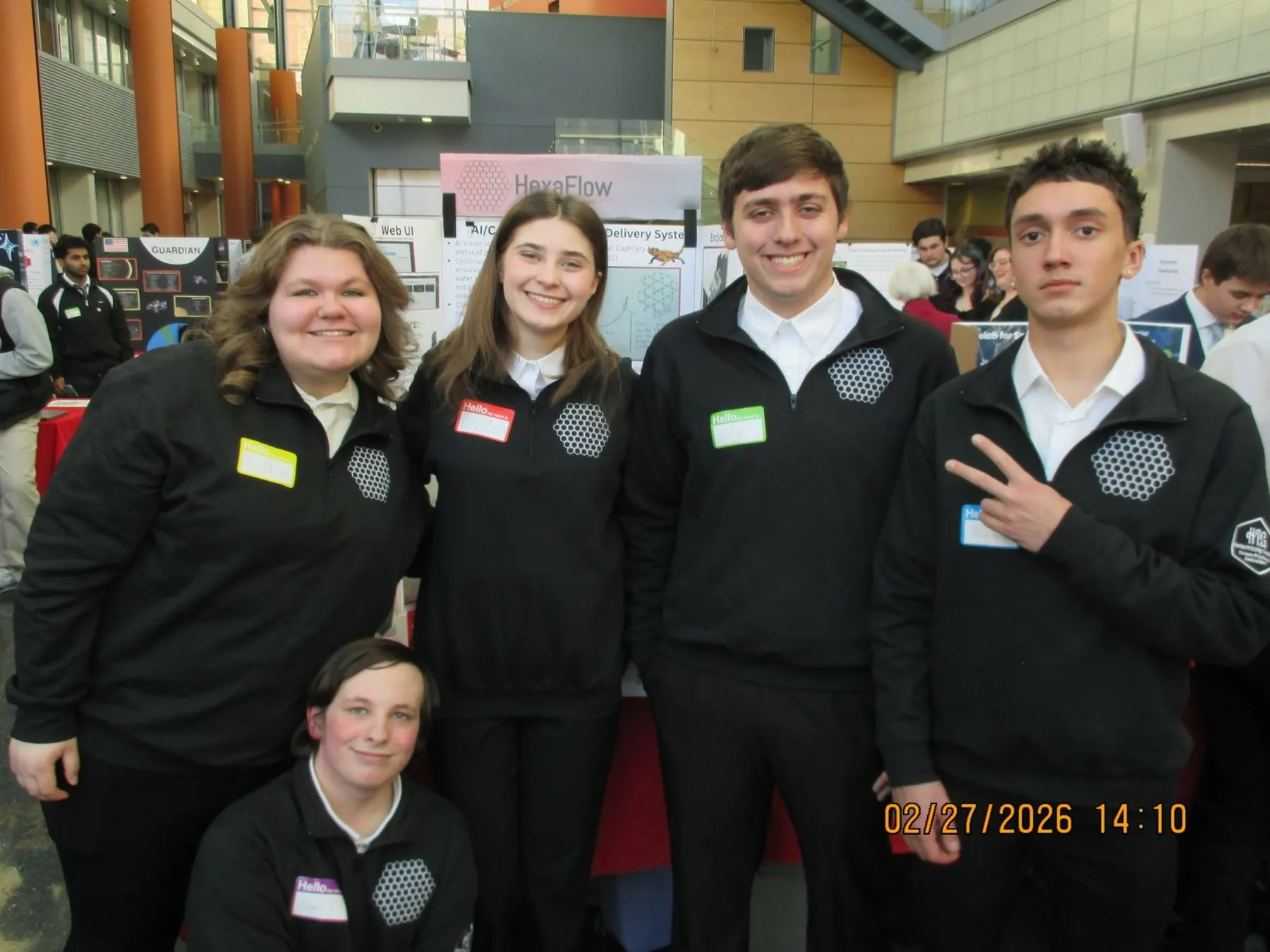
  • Five HexaFlow team members in matching black jackets standing in front of their display at a busy exhibit hall
    HexaFlowThe HexaFlow team at our display, February 2026.
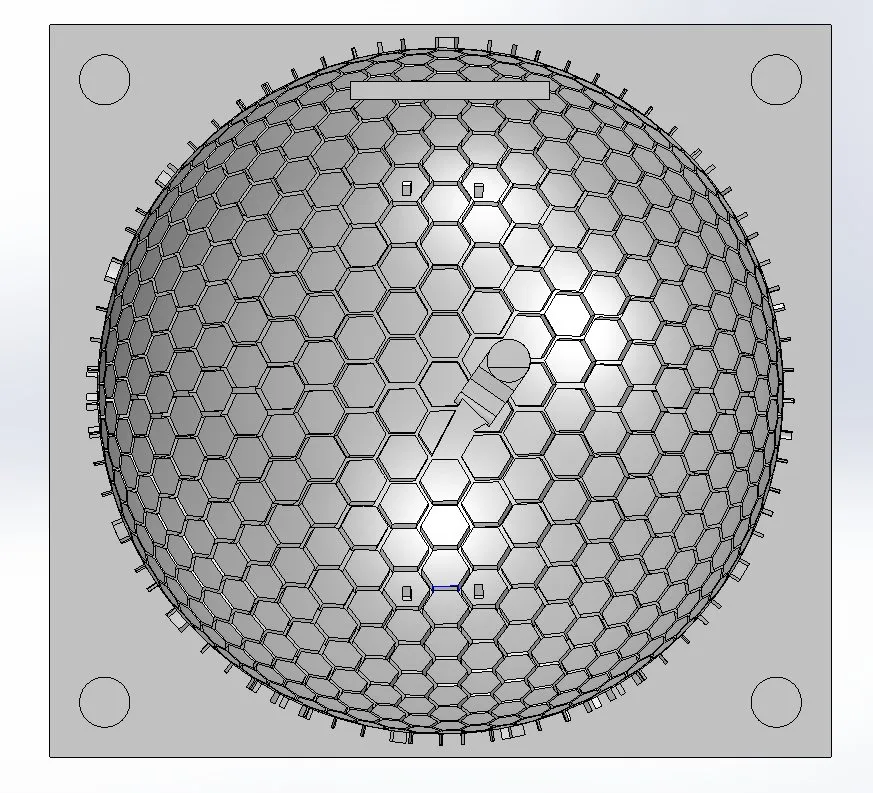
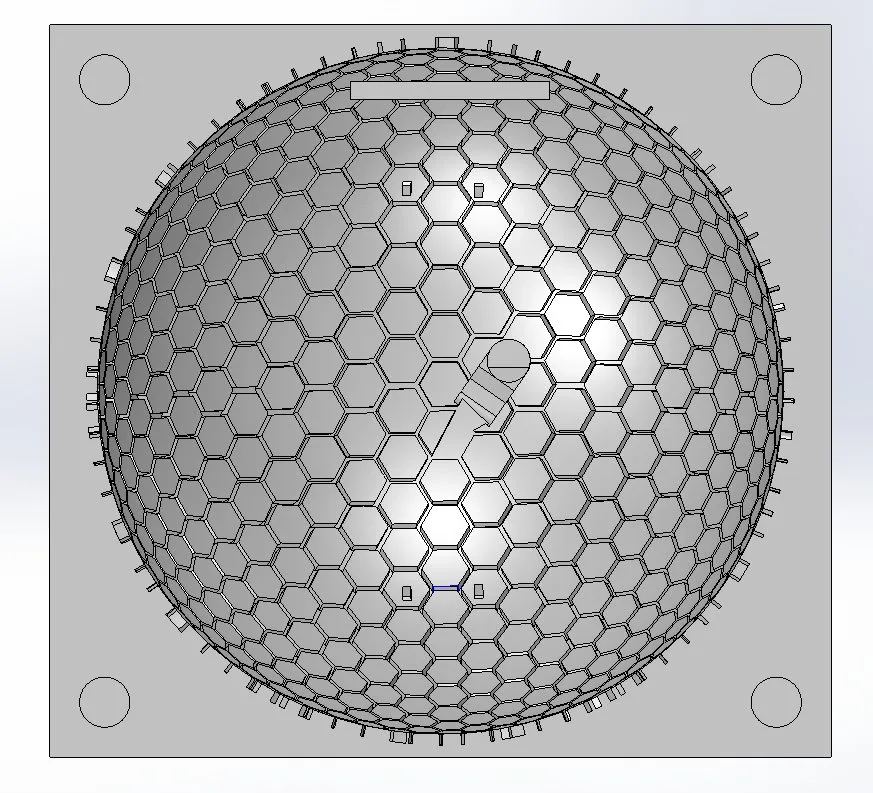
  • CAD render looking down on a square block with a shallow dome covered in a hexagonal groove pattern
    CADThe grooved dome in CAD. The hex channels are what move the water by capillary action.
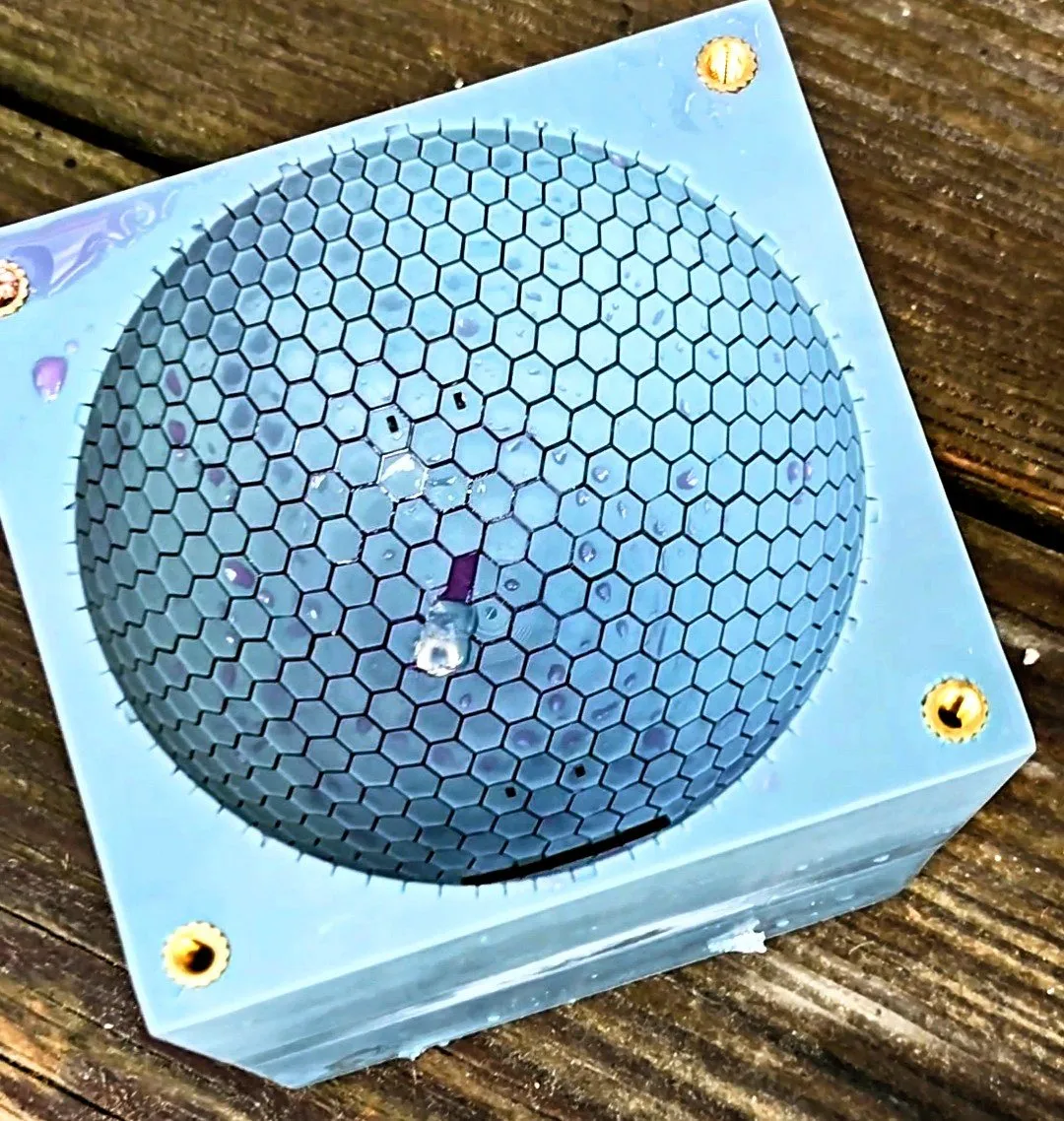
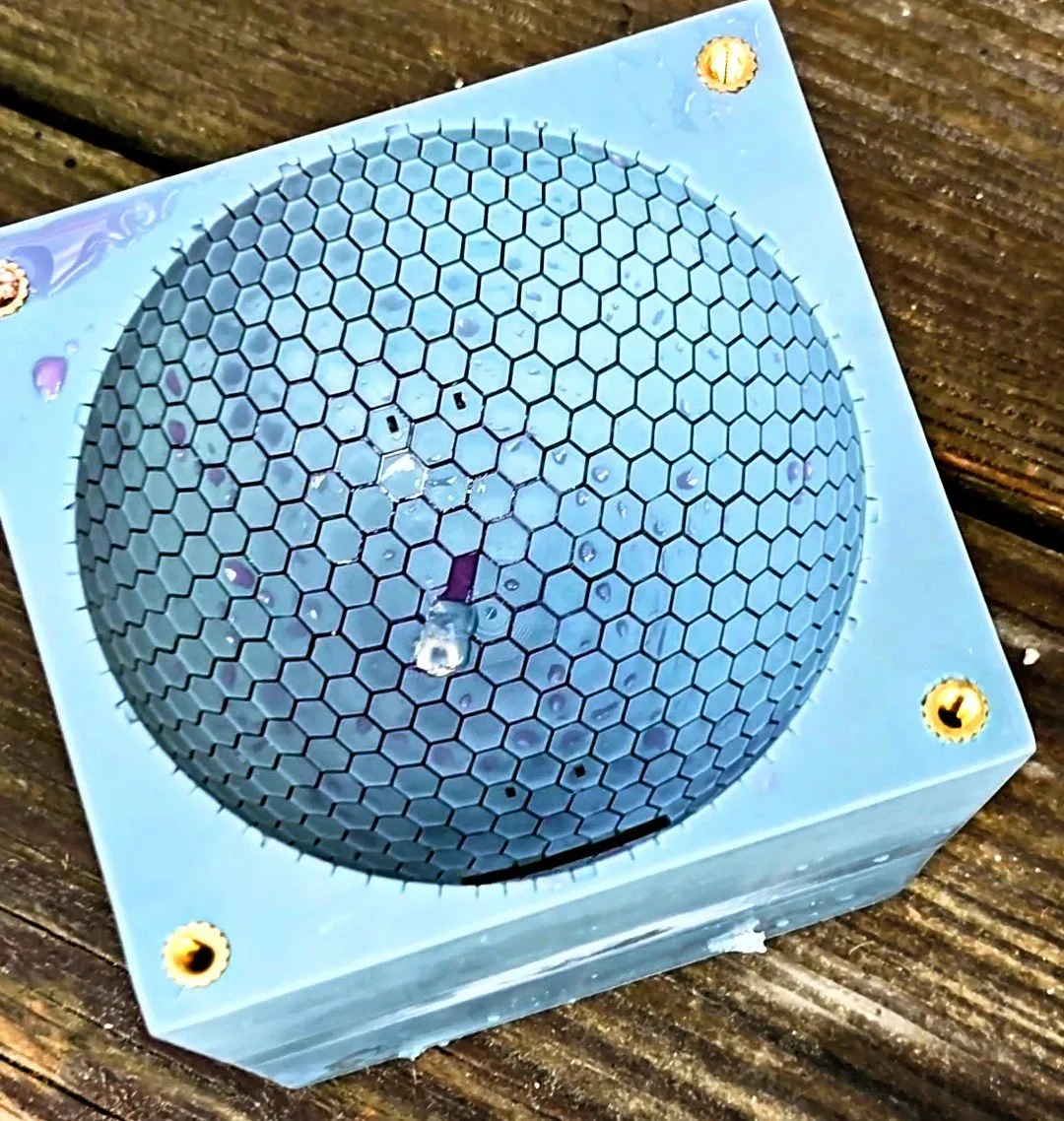
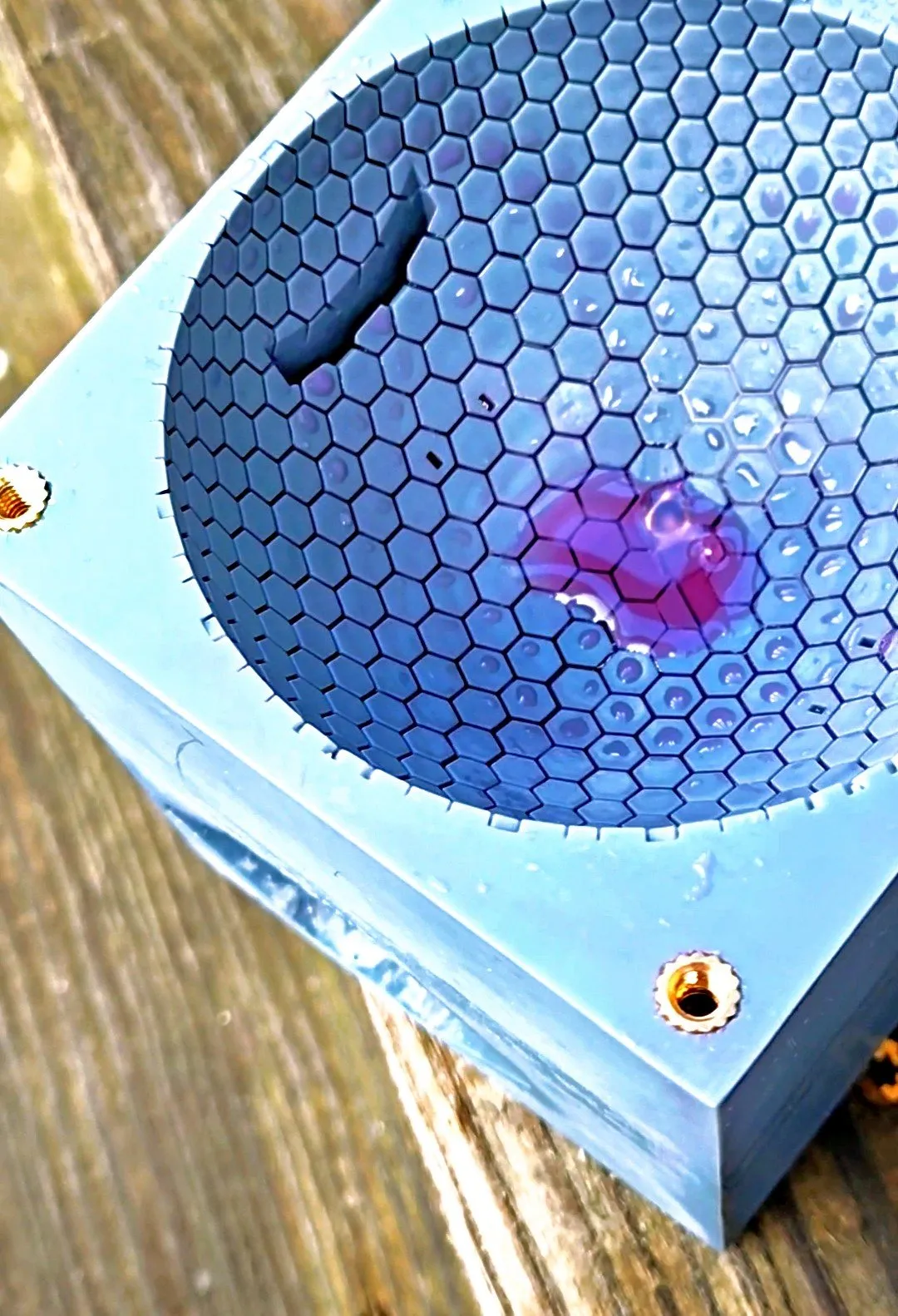
  • Printed light blue dome with hexagonal grooves, a spot of purple dyed water sitting in the channels
    HexaFlowDyed water on a printed dome, checking which way the grooves pull it.
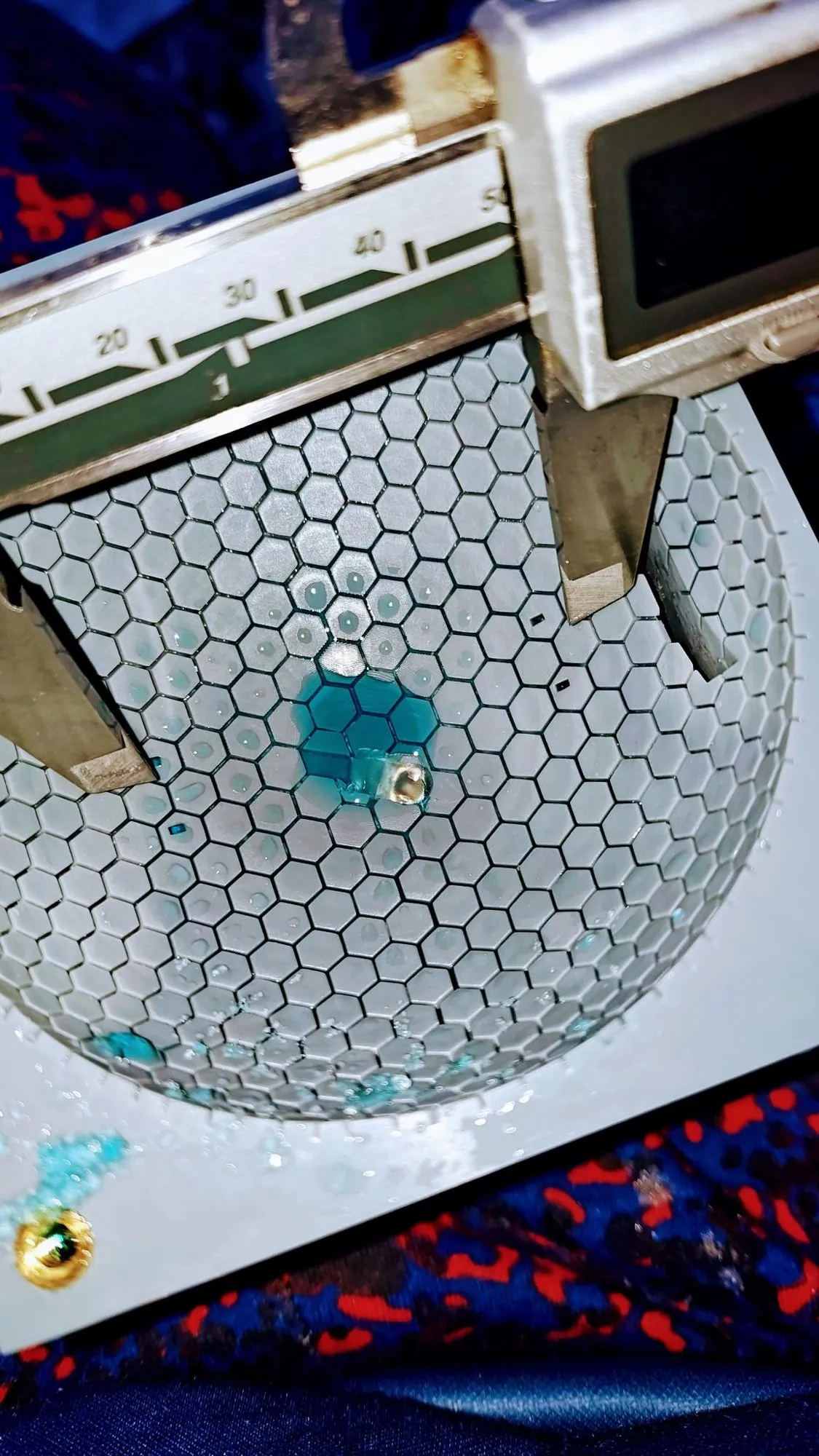
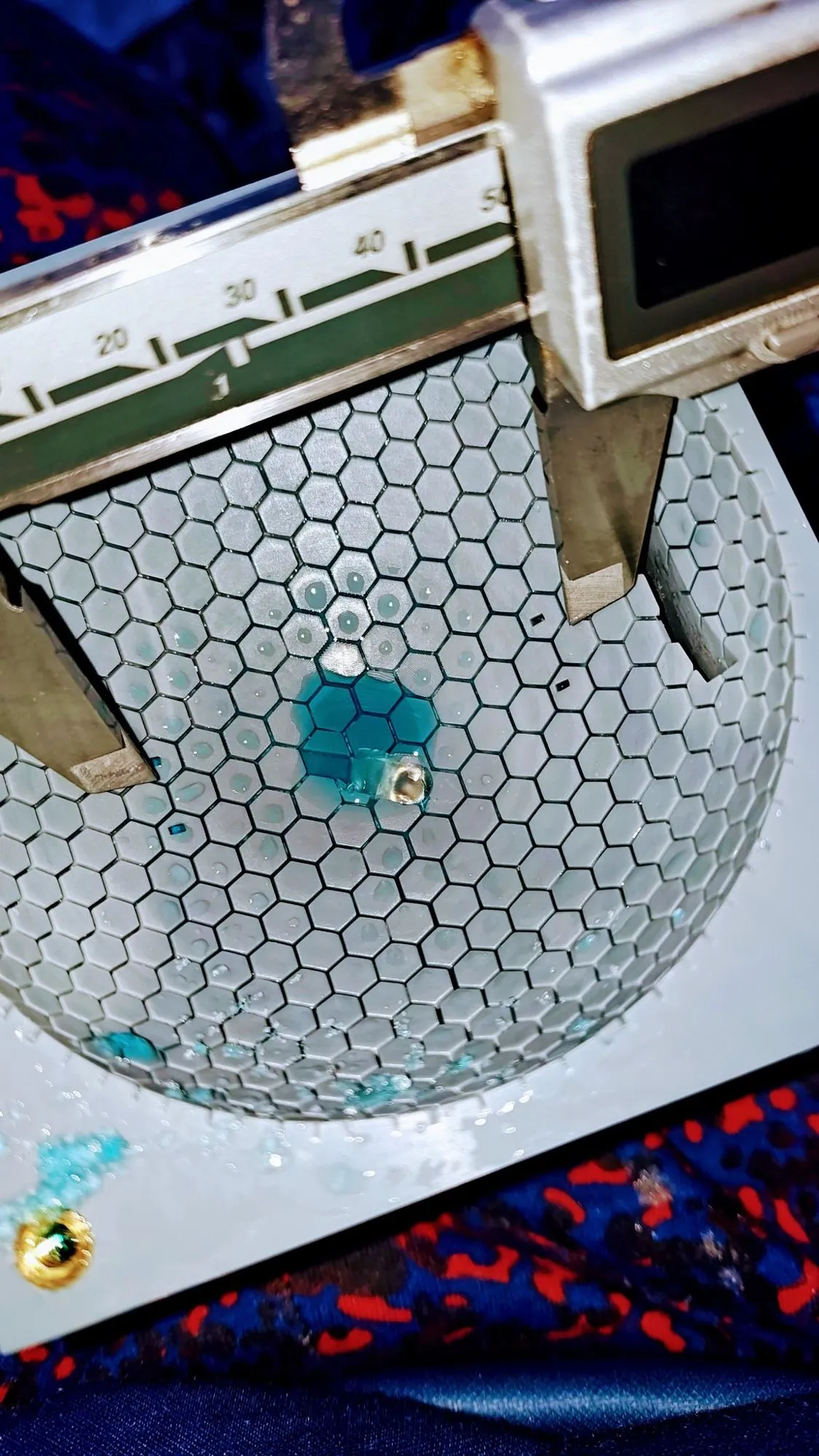
  • Digital caliper jaws spanning a grooved dome with blue dyed water spreading through the hex channels
    HexaFlowMeasuring the dome with calipers while blue dye spreads through the channels.
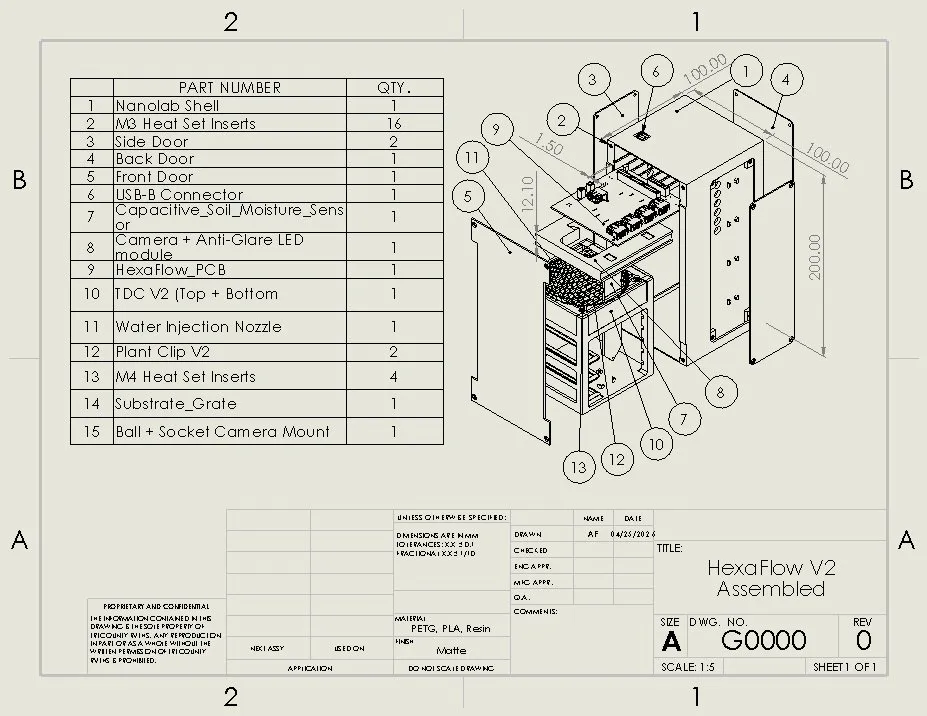
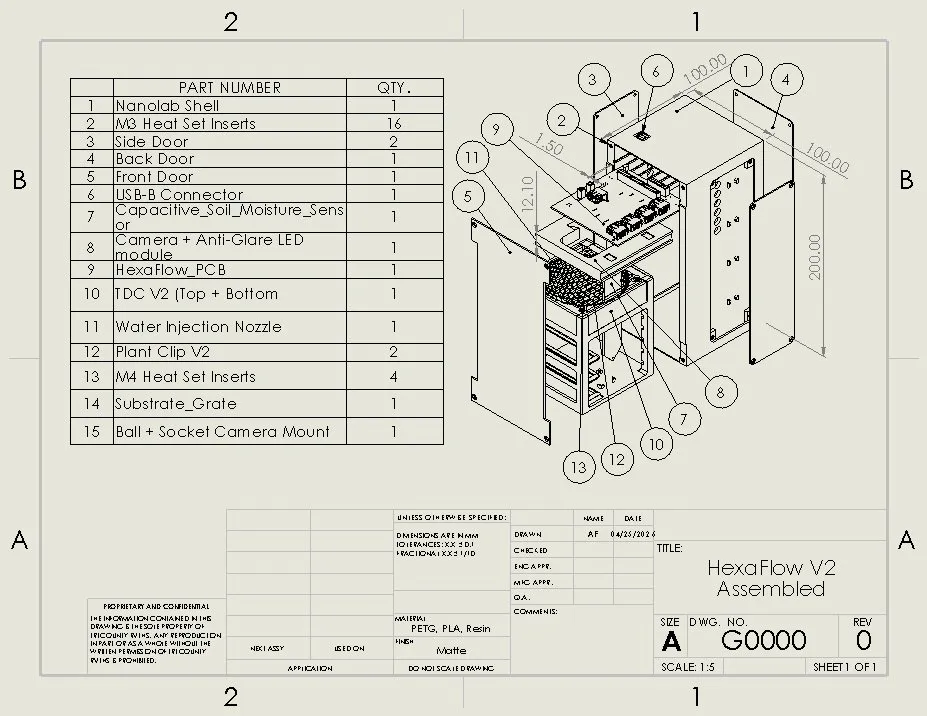
  • SolidWorks drawing sheet of the HexaFlow V2 assembly with an exploded view, balloon numbers and a 15 line parts list
    CADHexaFlow V2 assembly drawing, sheet G0000, with the full parts list.
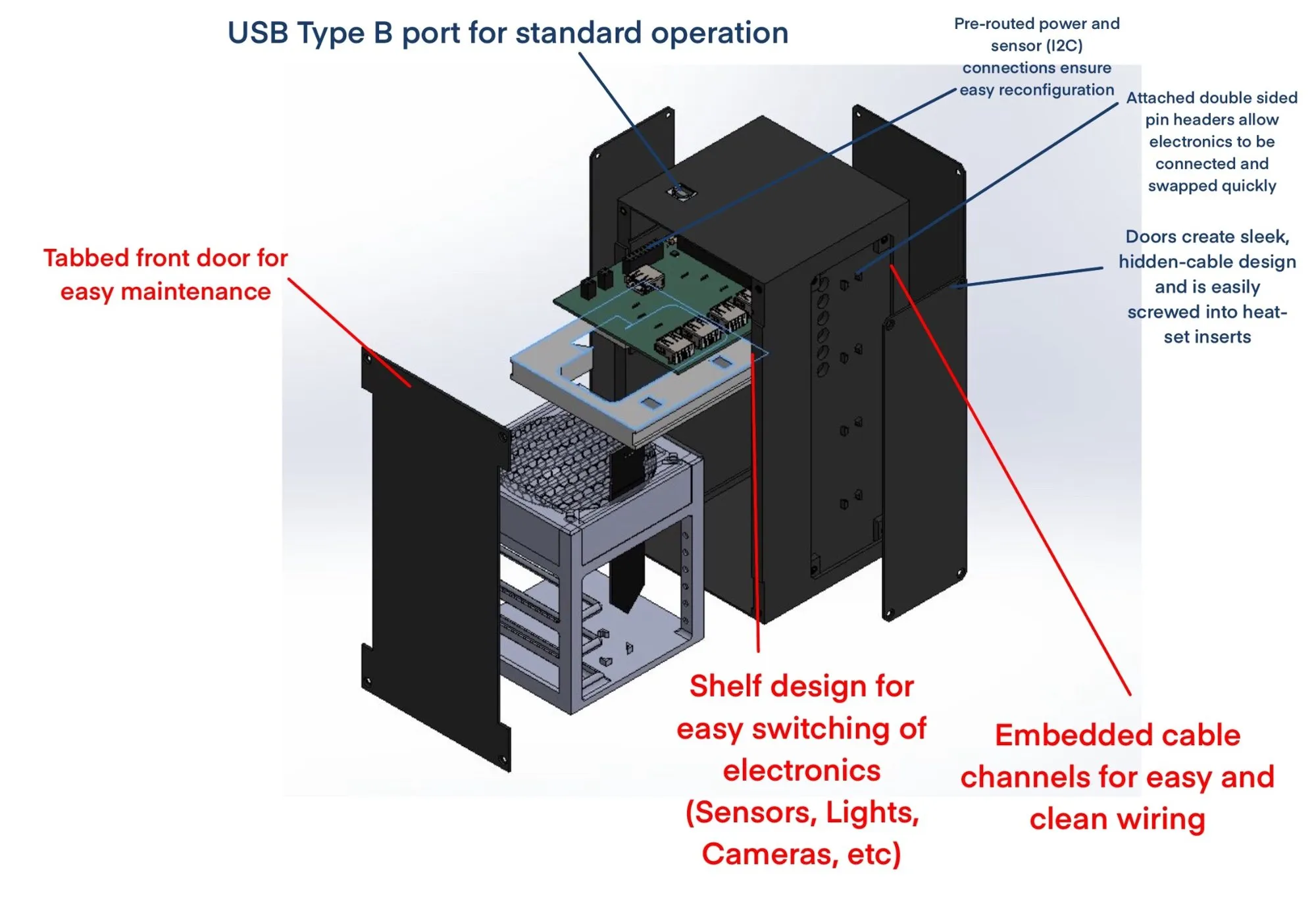
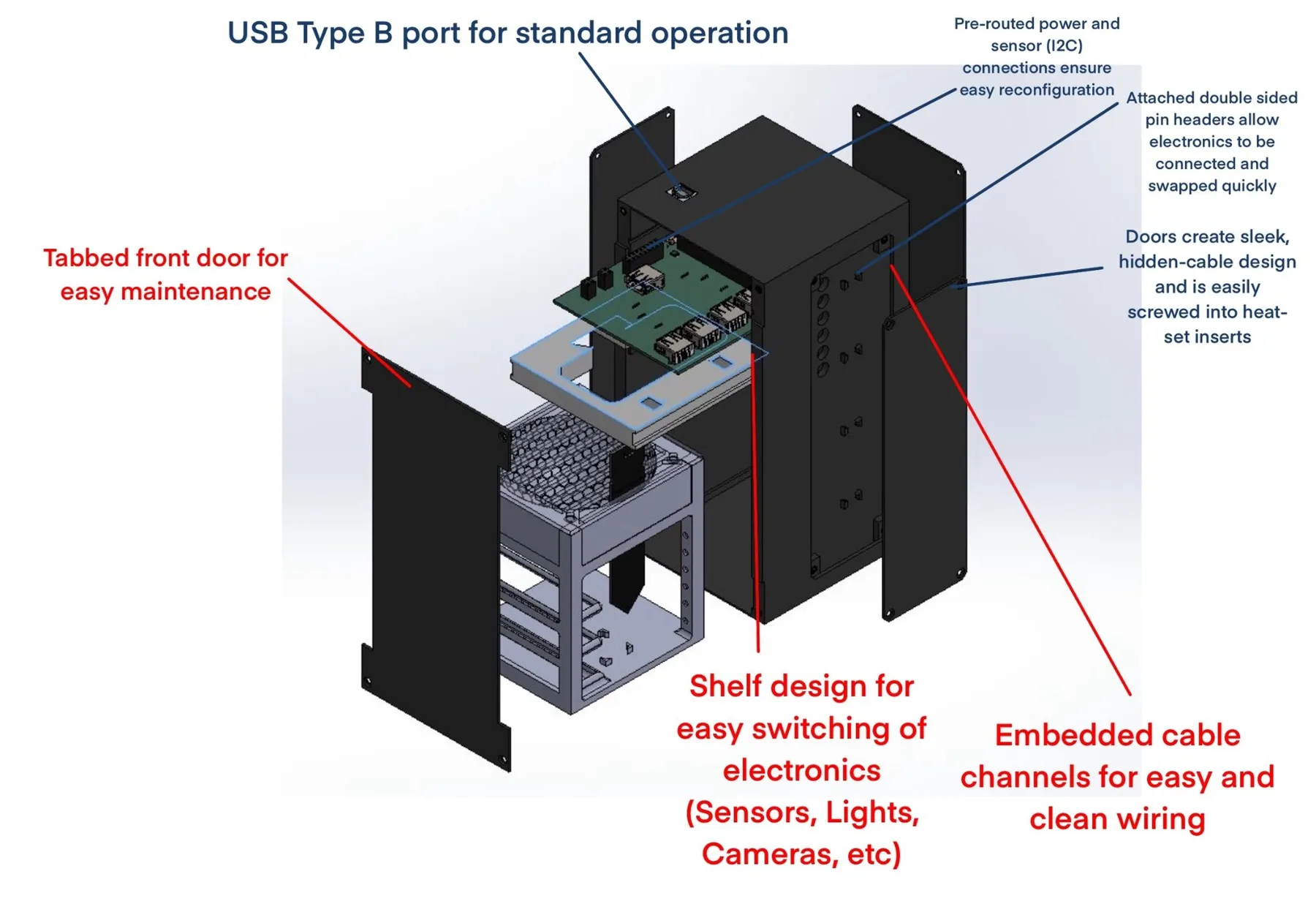
  • Exploded render of the black enclosure with red callouts for the tabbed front door, shelf design, and embedded cable channels
    CADExploded enclosure render with callouts: tabbed door, swappable shelves, hidden cable channels.
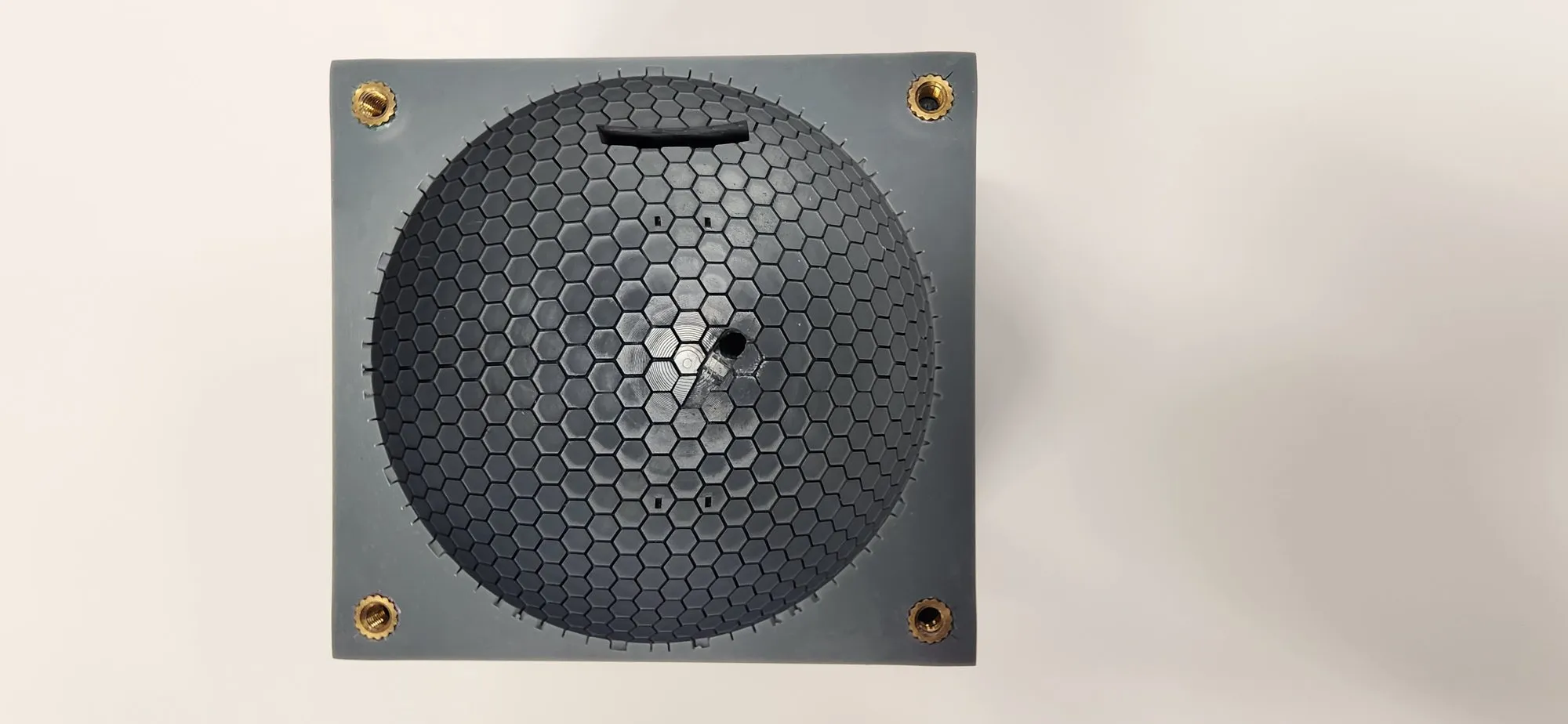
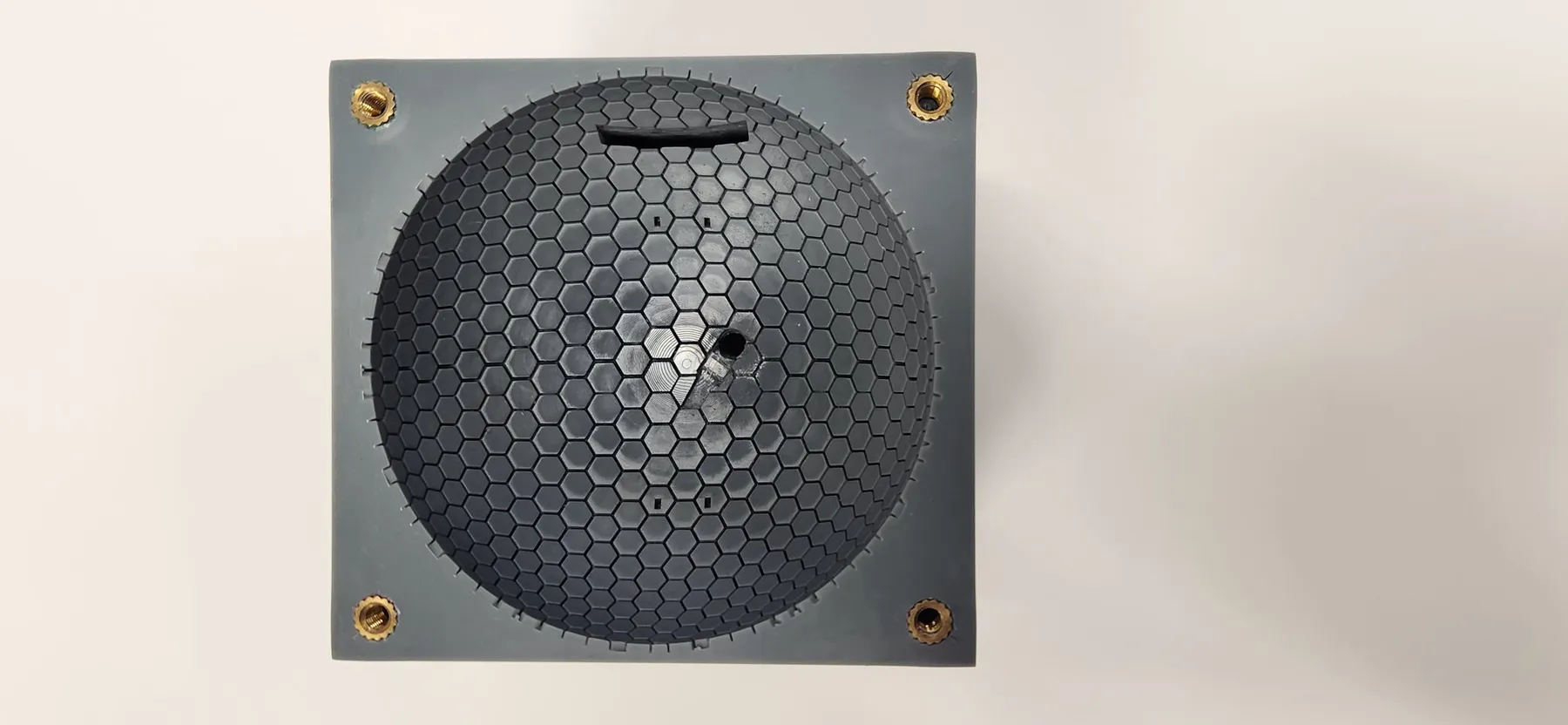
  • Top view of a dark gray printed dome block with hex grooves and brass heat-set inserts in each corner
    HexaFlowA printed dome top with brass heat-set inserts in the corners.
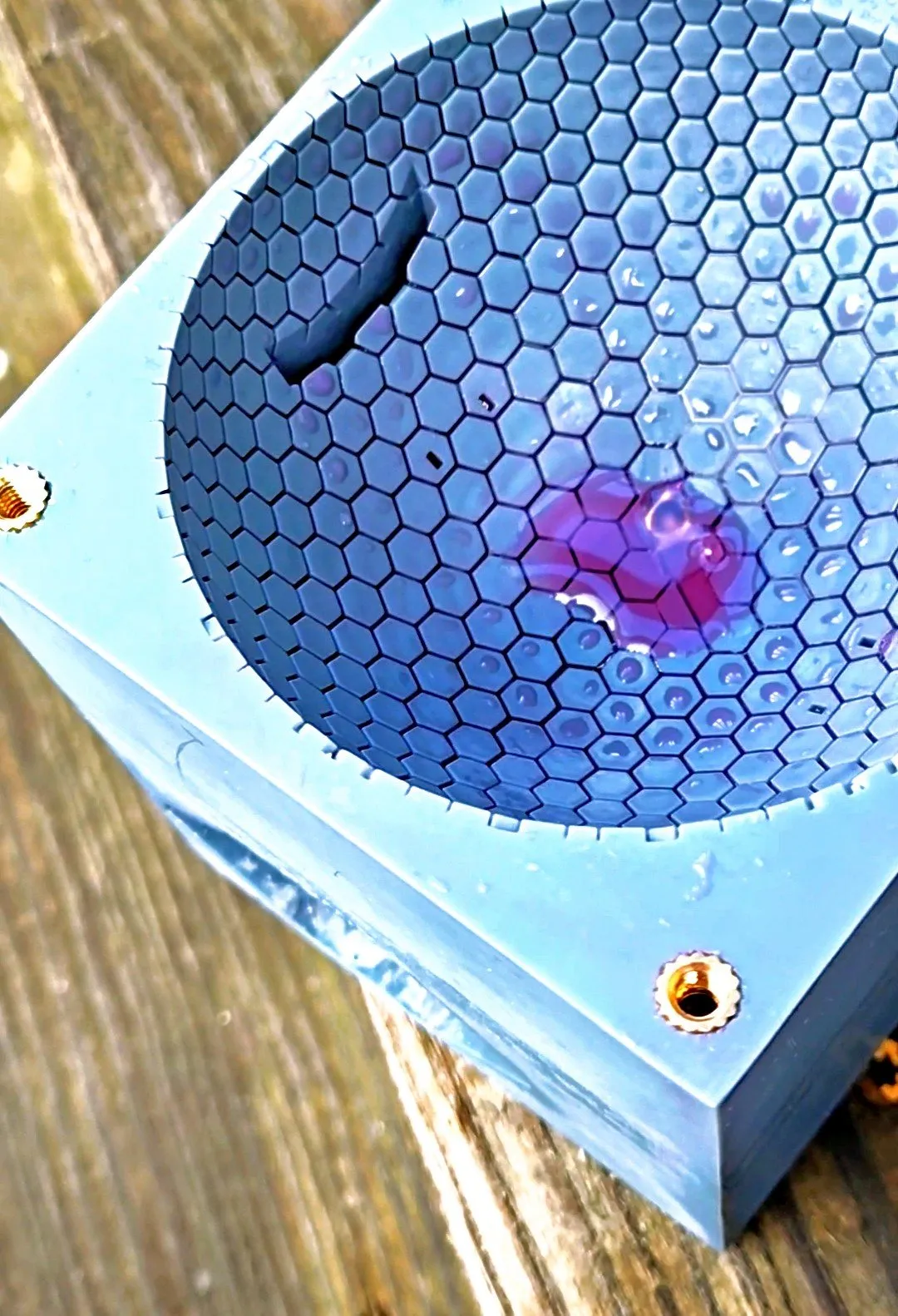
  • Close view of purple dyed water pooled inside the hexagonal grooves of a light blue printed dome
    HexaFlowClose up of the dye sitting in the grooves.
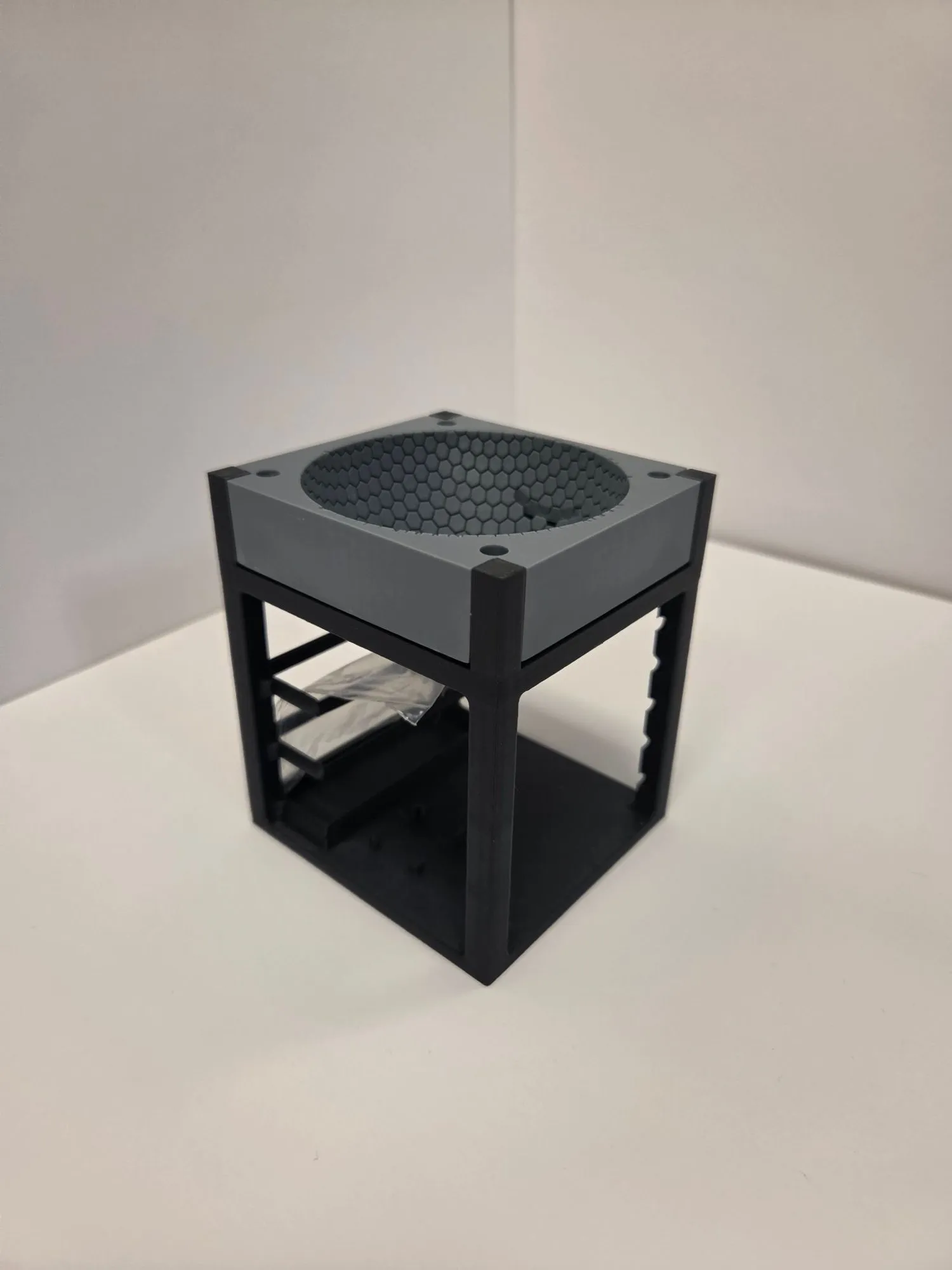
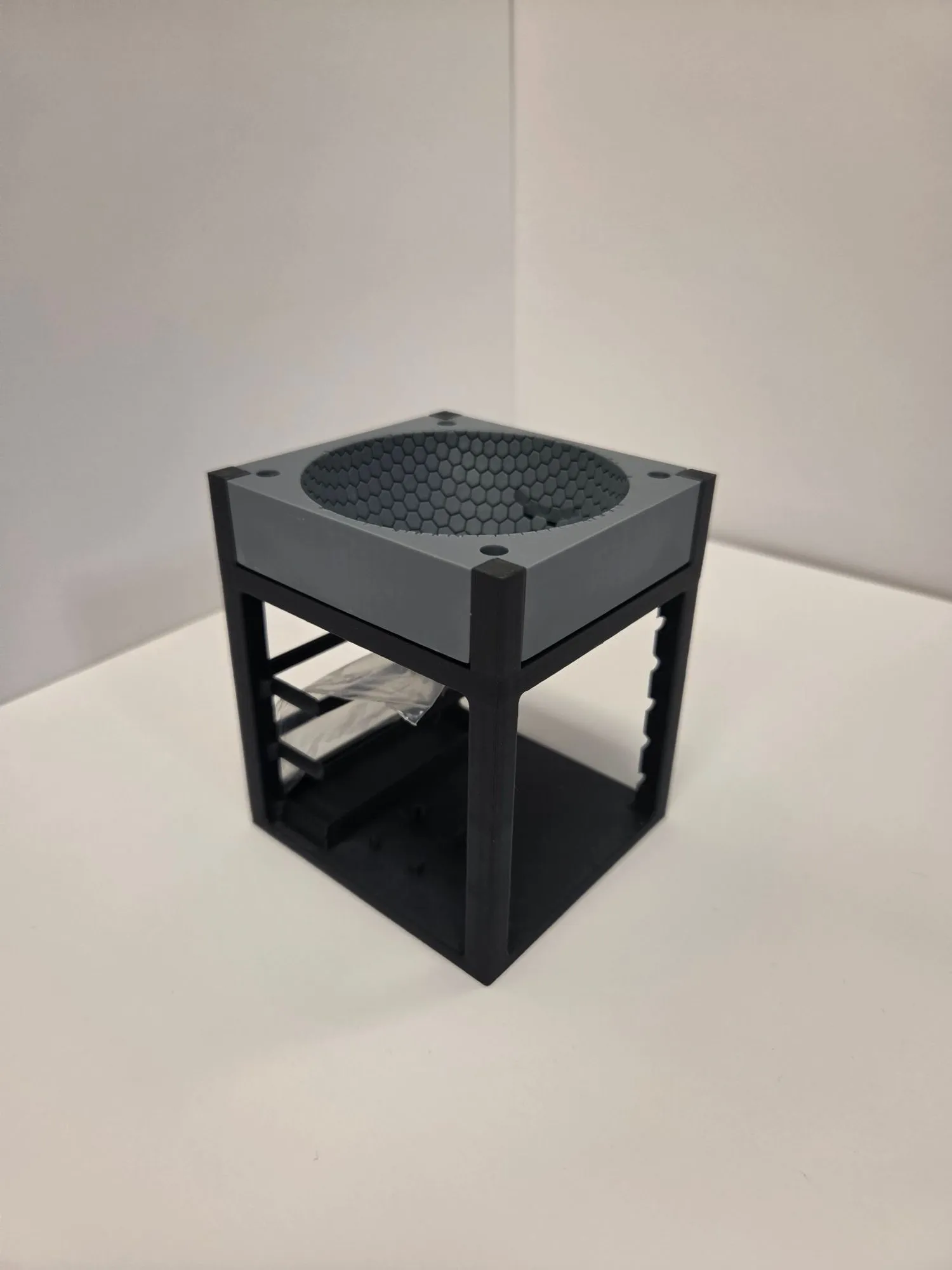
  • Dark gray 3D printed frame with open shelf levels and the hex dome mounted on top
    HexaFlowThe printed frame with the dome on top and open shelves for electronics.
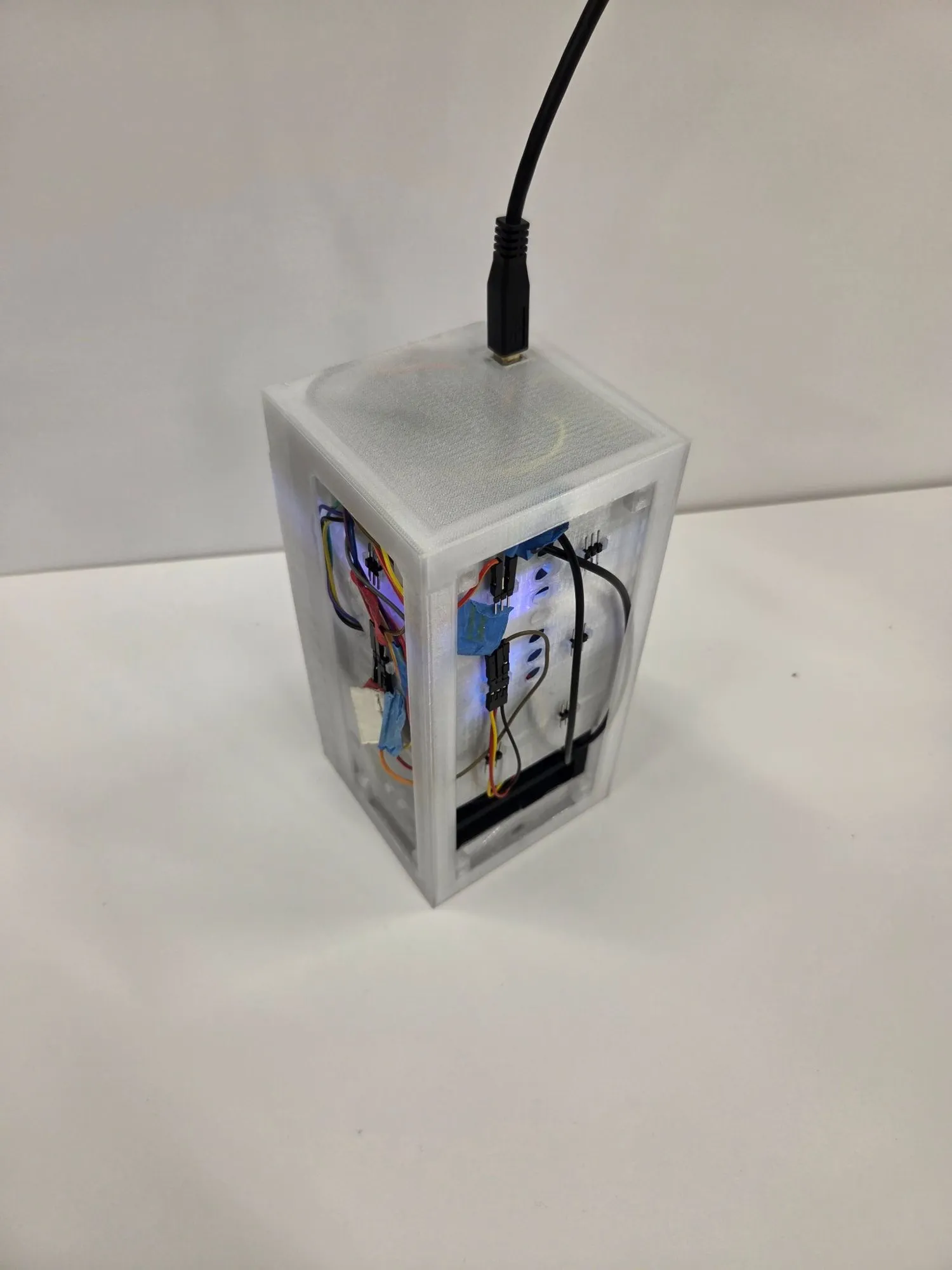
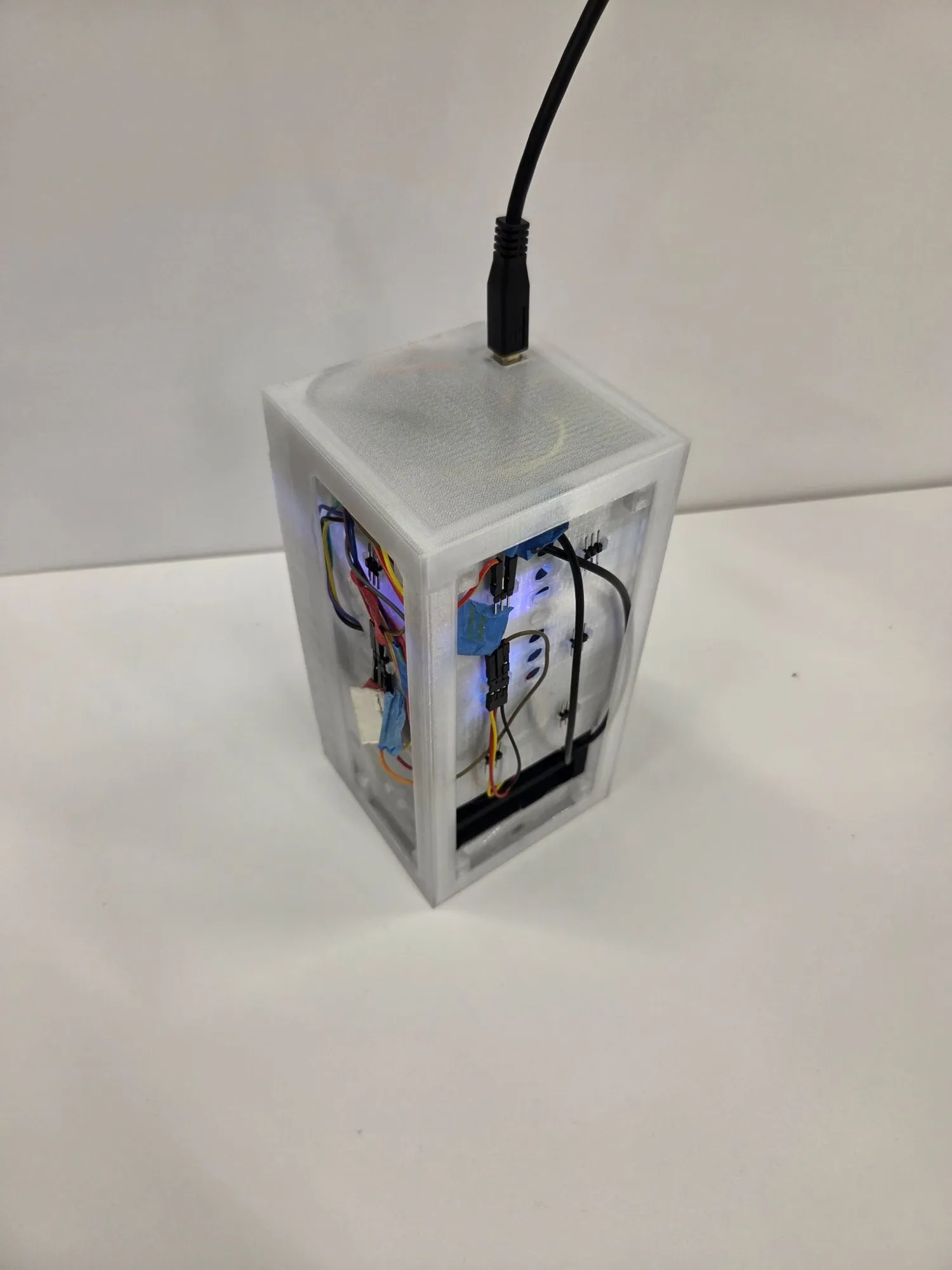
  • Assembled HexaFlow unit with frosted side panels, wiring and a circuit board visible inside, power cable on top
    HexaFlowAssembled unit with the electronics wired in.
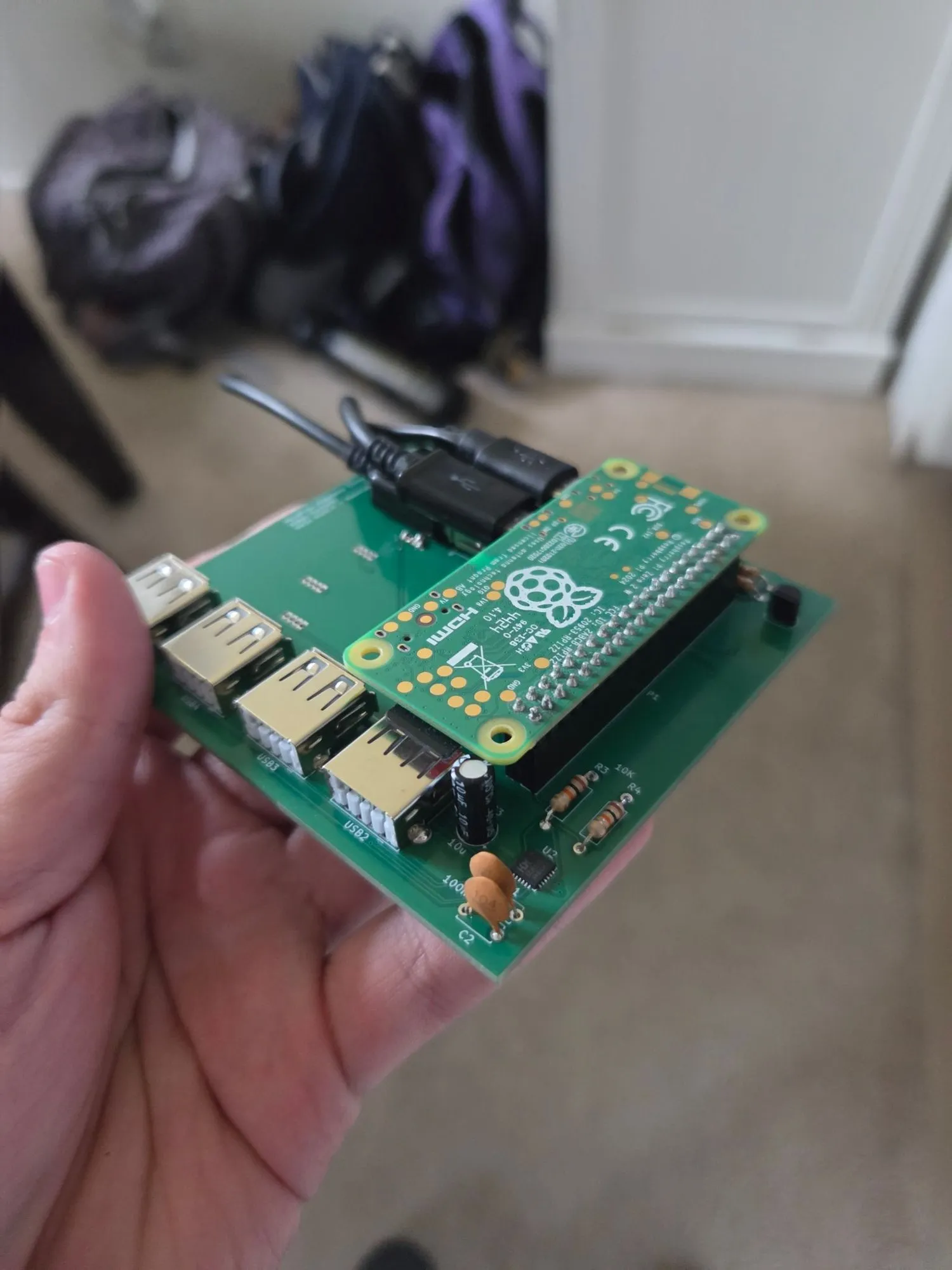
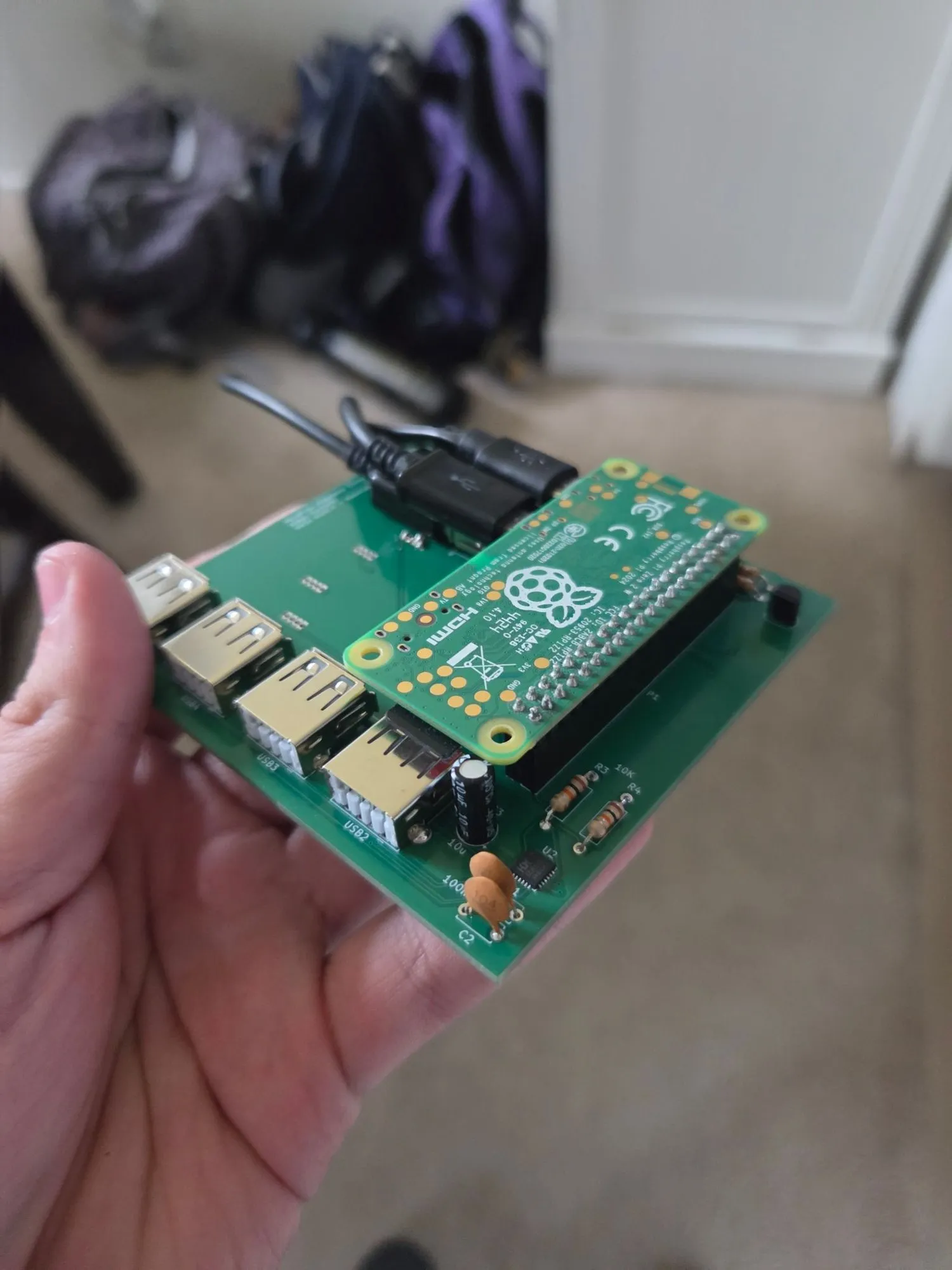
  • Hand holding a green custom circuit board with four USB ports and a Raspberry Pi Zero 2 W mounted on top
    HexaFlowOur custom board with a Raspberry Pi Zero 2 W on top and four USB ports.
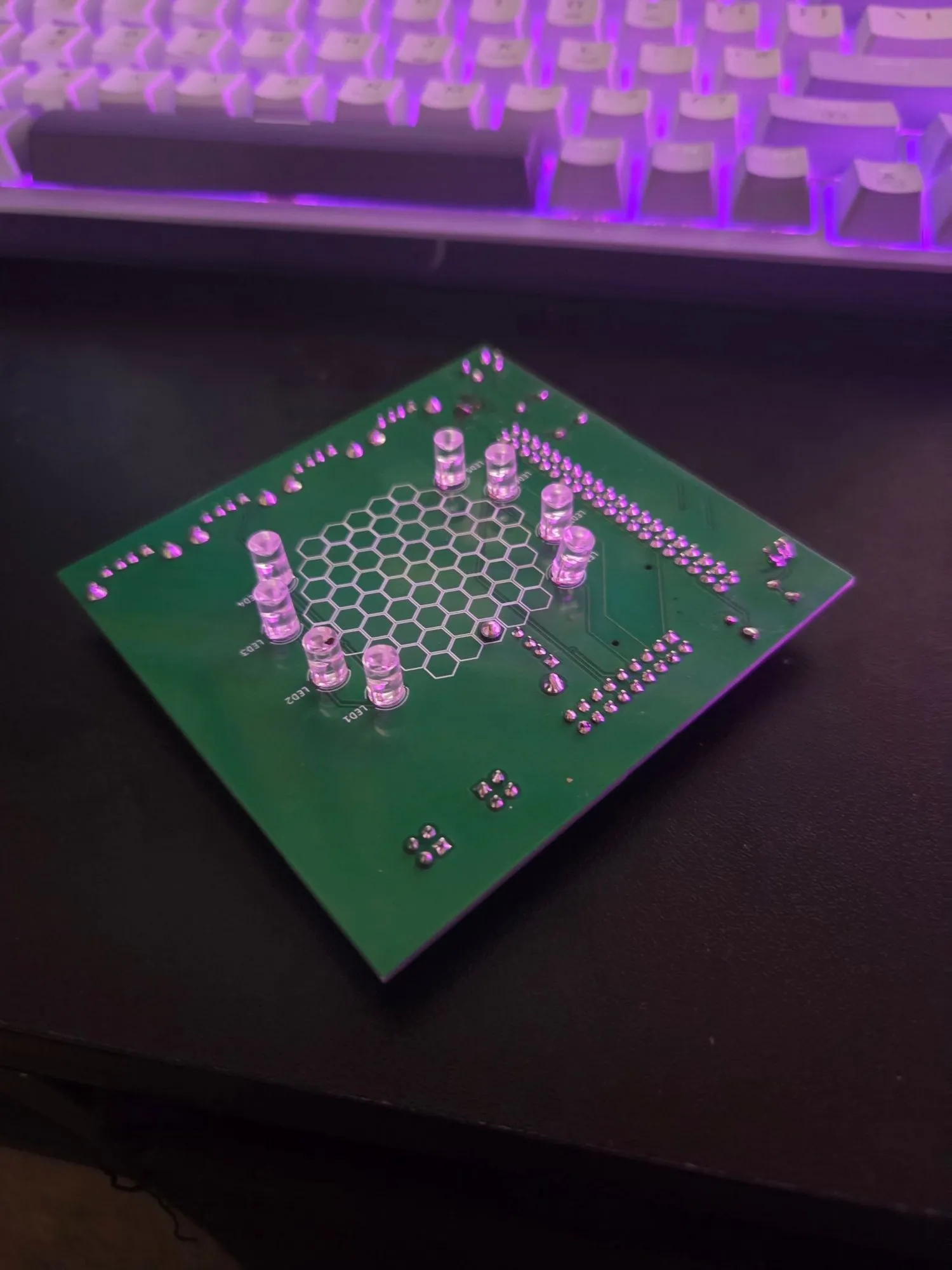
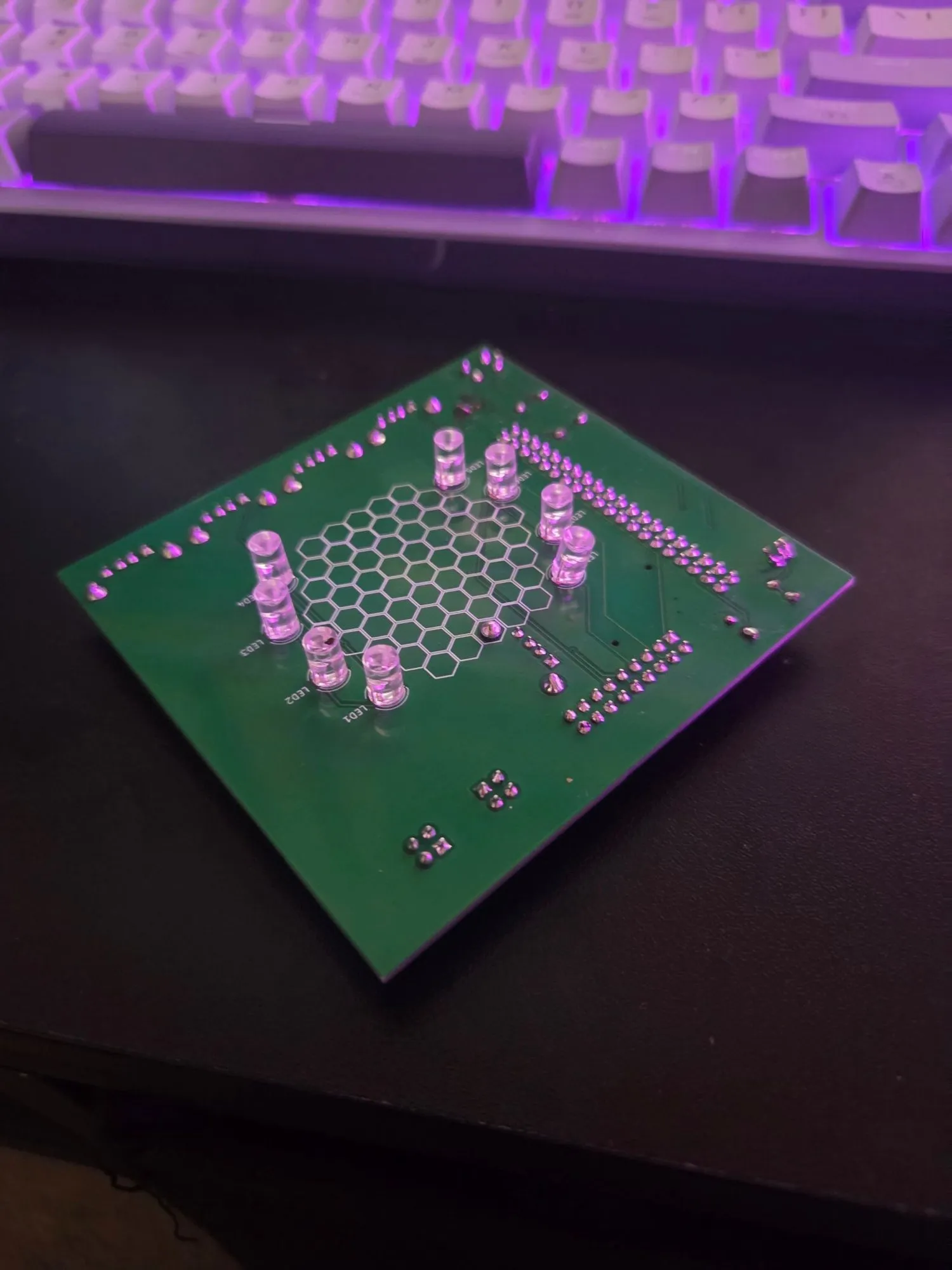
  • Bare green circuit board with a hexagon pattern on the silkscreen, sitting on a desk lit purple
    HexaFlowThe board before parts went on, with the hex logo on the silkscreen.
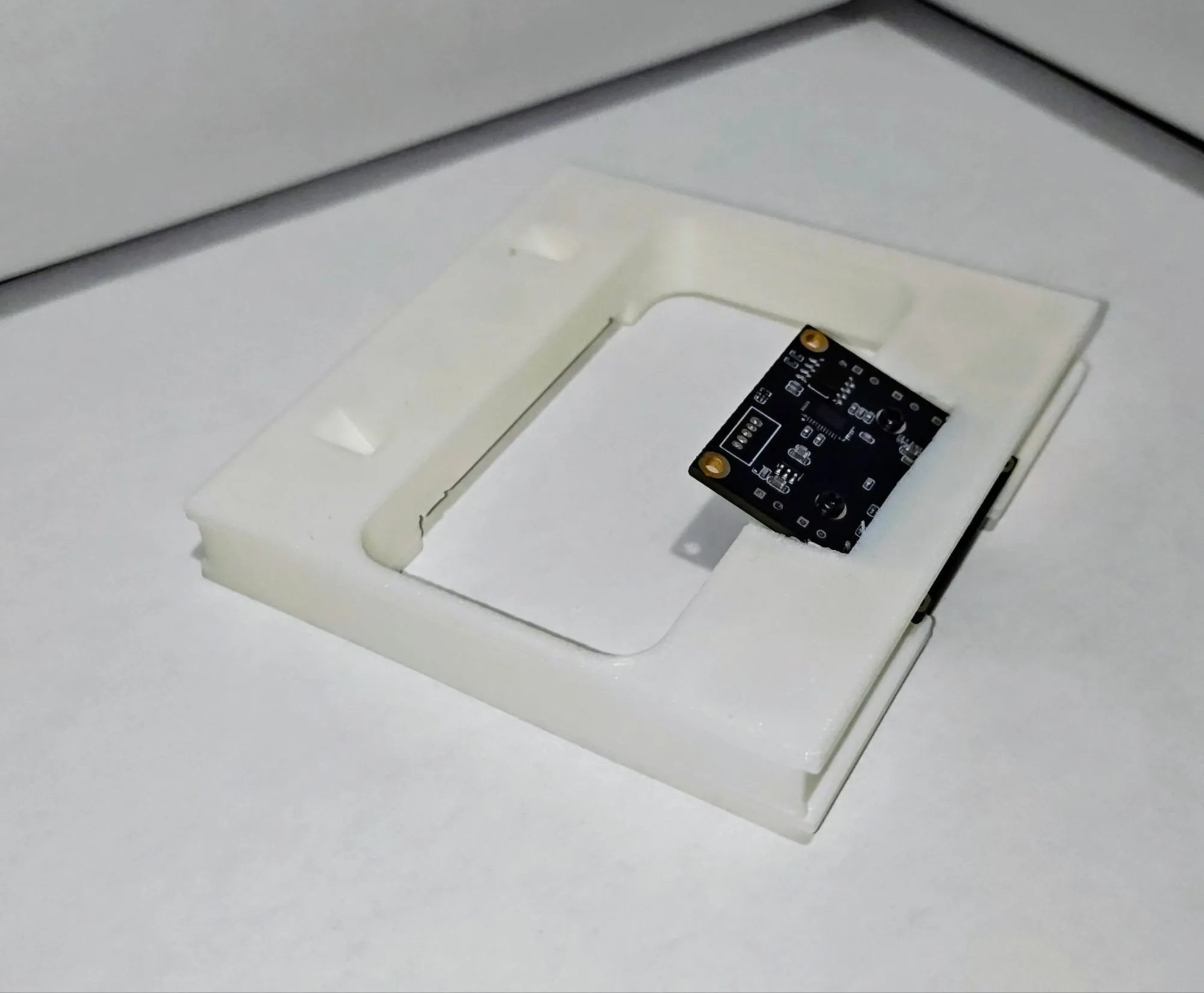
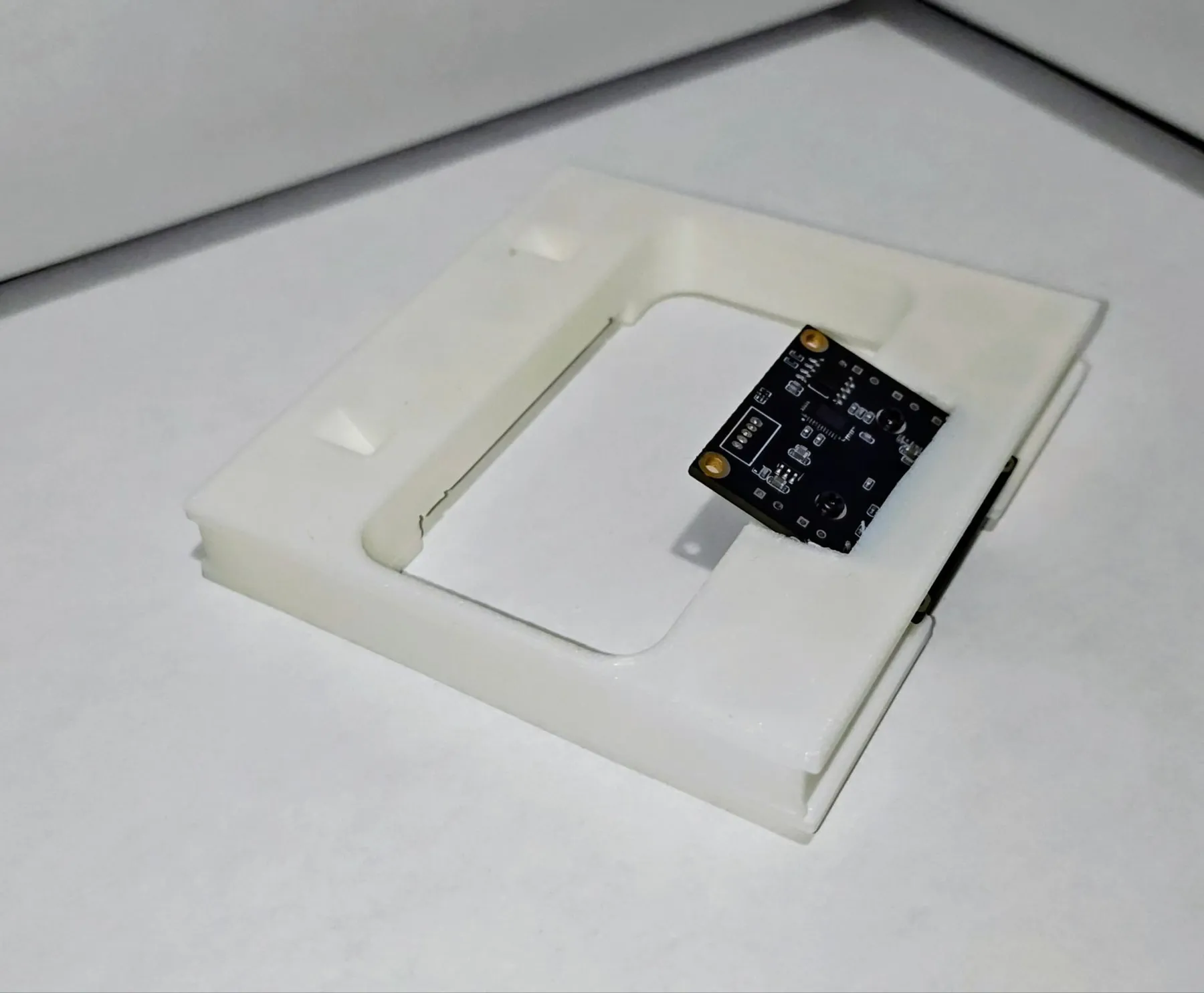
  • Small camera circuit board seated in a white 3D printed mounting plate
    HexaFlowCamera board test fitted in its printed mount.
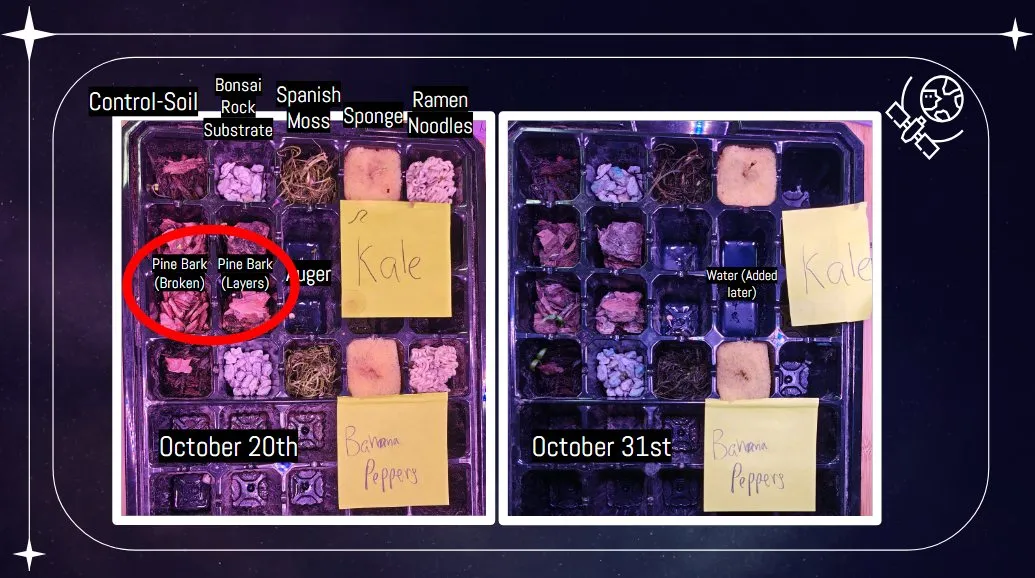
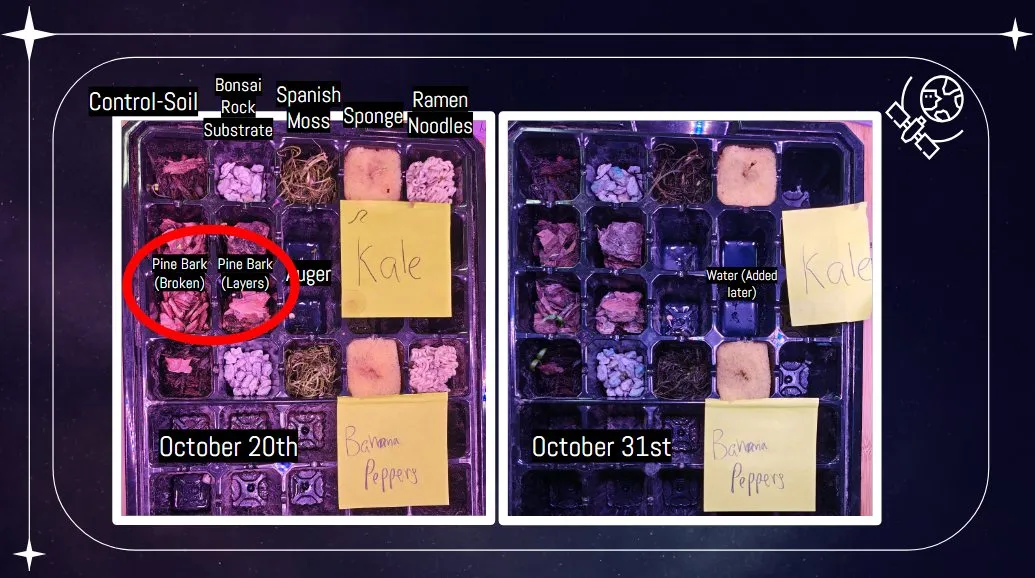
  • Two photos of a seed tray with different growing substrates in each cell, labeled October 20th and October 31st
    HexaFlowSubstrate trials: the same tray on October 20 and October 31.
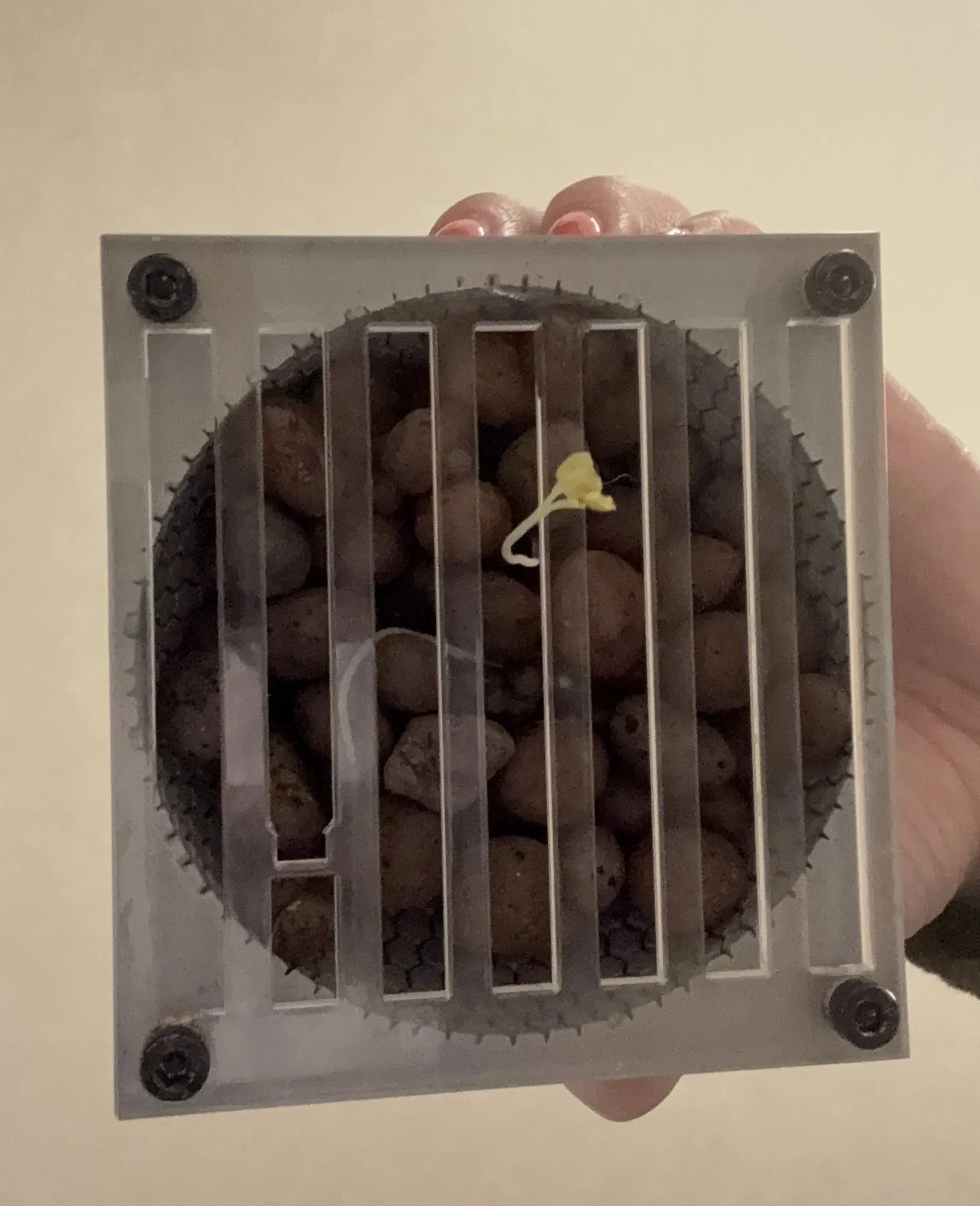
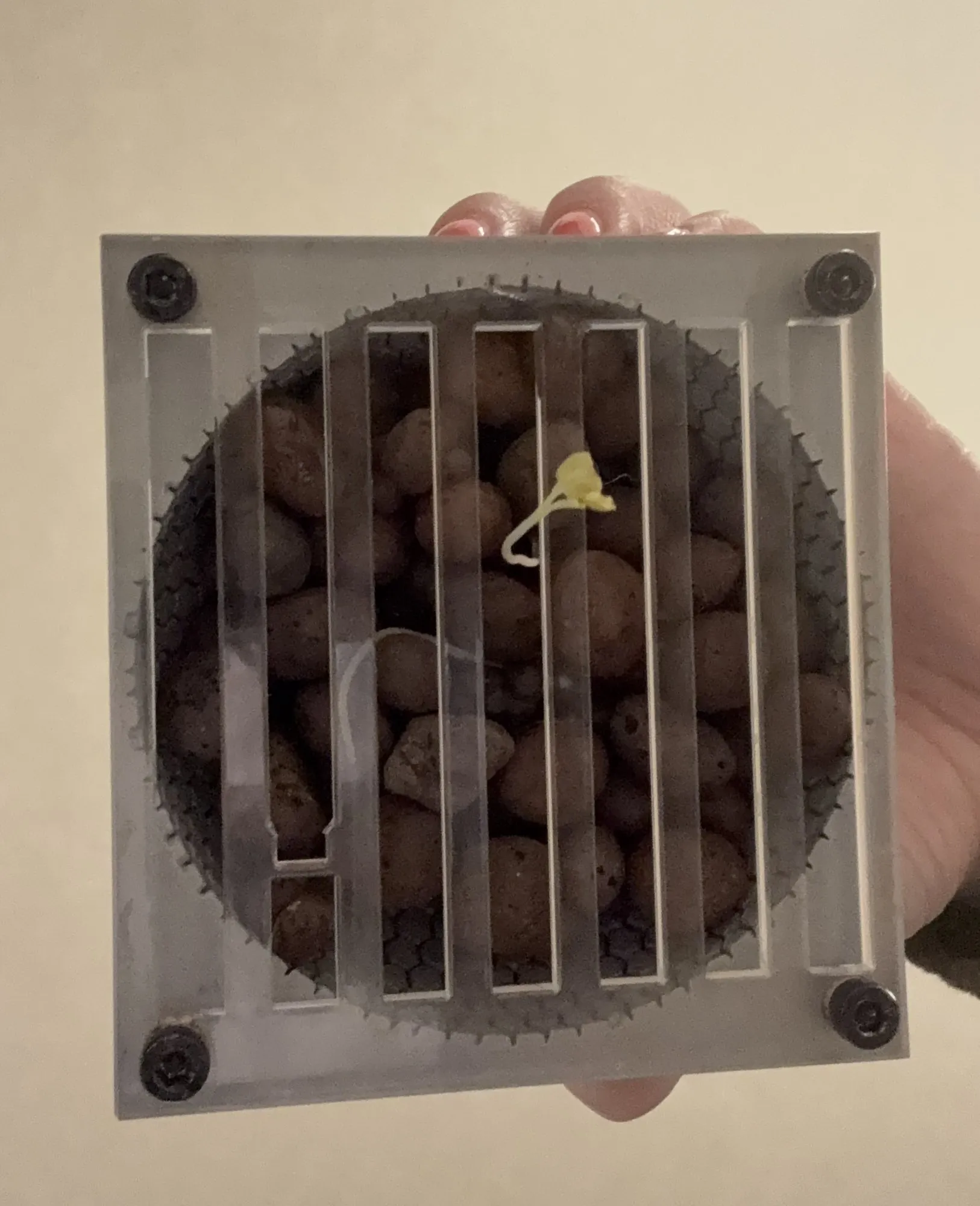
  • Hand holding the clear substrate holder full of clay pebbles behind a slotted grate, a small sprout poking through
    HexaFlowClay pebbles behind the grate, with a sprout coming through.
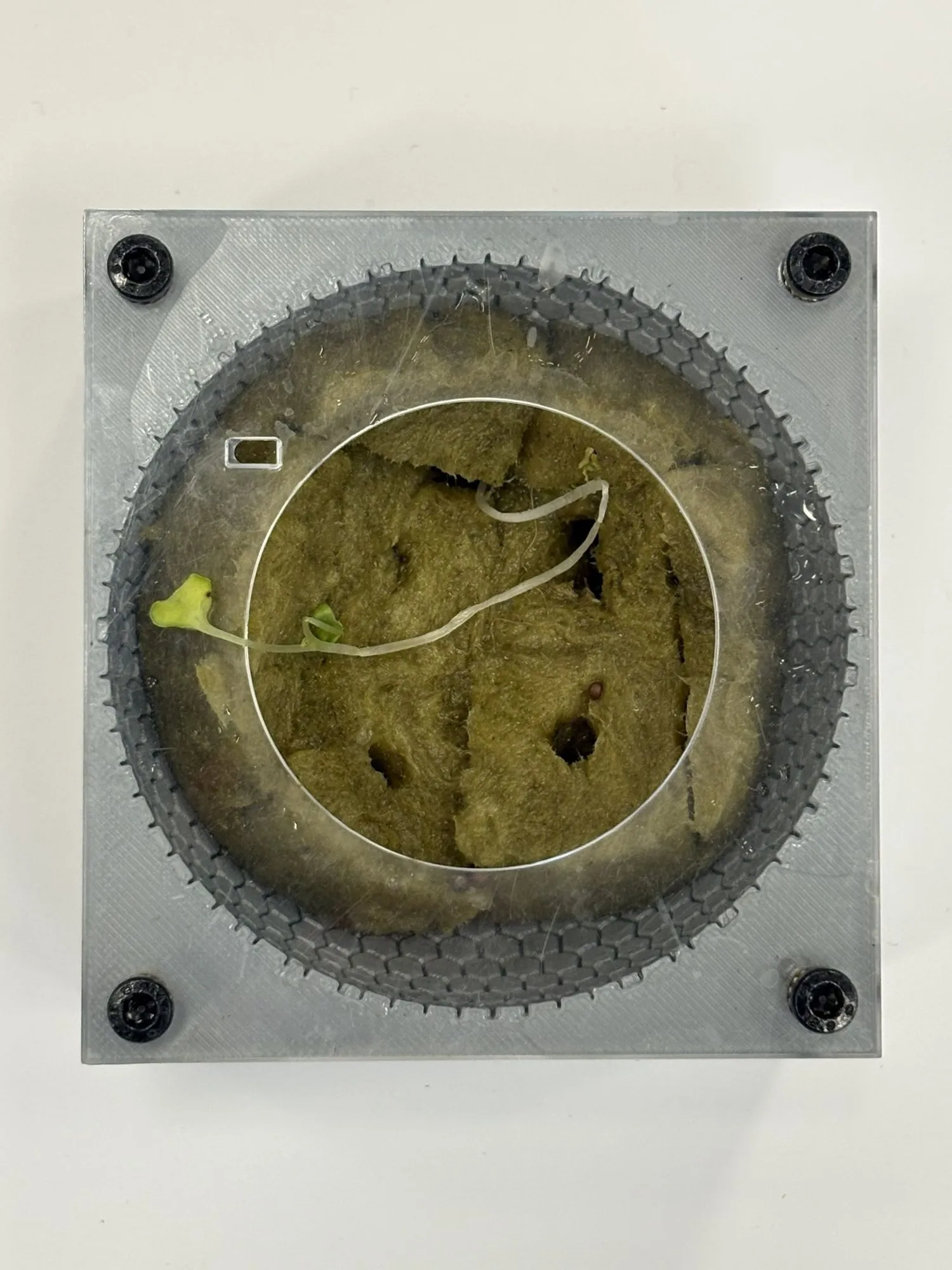
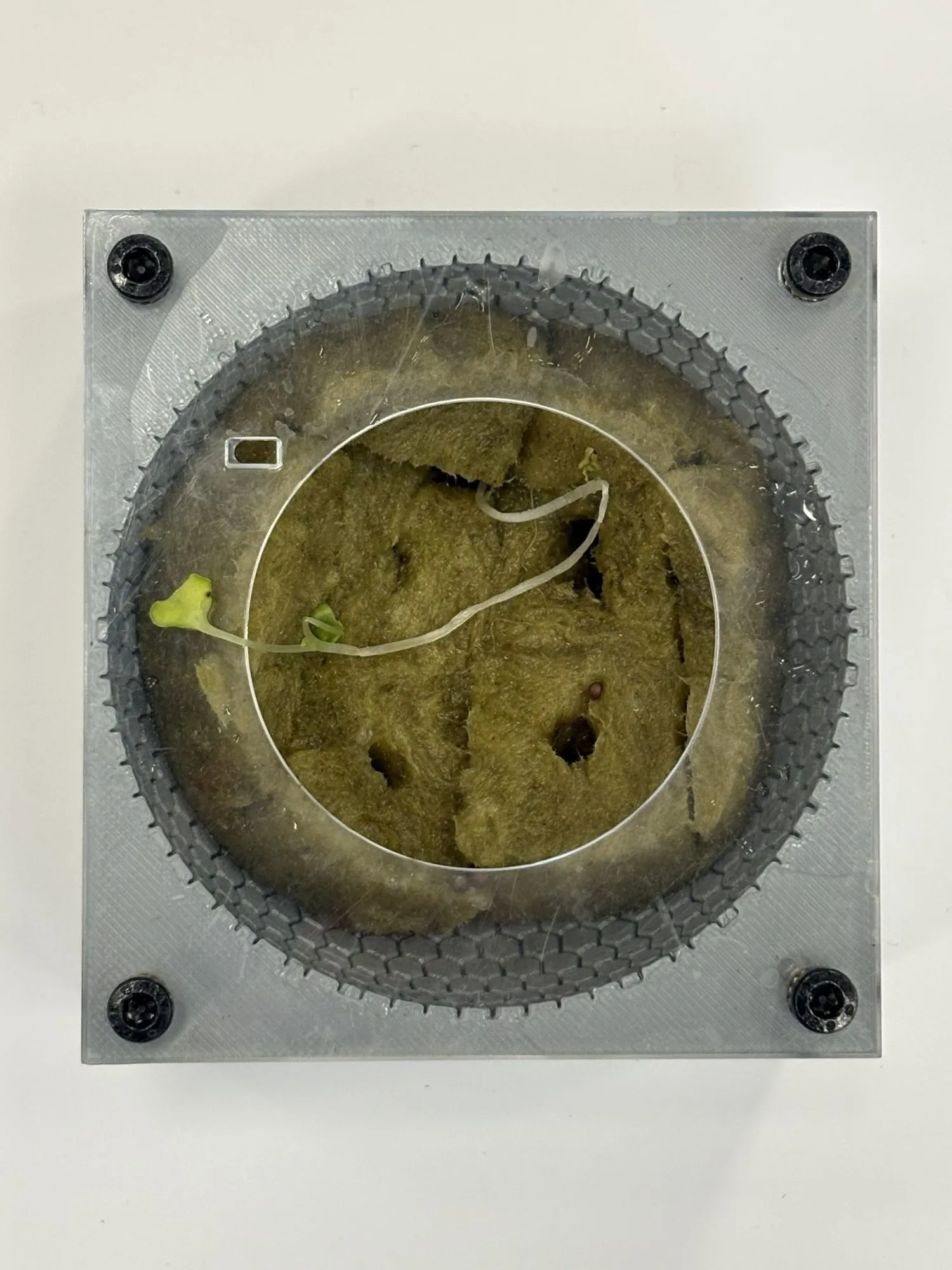
  • Top view of rockwool packed in the clear substrate holder with a small sprout and a sensor wire
    HexaFlowRockwool in the substrate holder with a seedling and a sensor wire.
  • Placeholder for a photo of the VEX team 3236A robot
    RoboticsTeam 3236A robot, Push Back season.placeholder: Lucas to add this photo
  • Placeholder for a photo of the FRC warm-up basketball shooter robot
    RoboticsThe LeBron bot: our FRC warm-up build, a basketball shooter on a tank chassis.placeholder: Lucas to add this photo
  • Placeholder for a photo of the FRC team whiteboard
    RoboticsIdeas go on the board with no names attached.placeholder: Lucas to add this photo
  • Placeholder for a photo of the middle school VEX team at the World Championship
    RoboticsMy middle school VEX team at the World Championship.placeholder: Lucas to add this photo
  • Placeholder for a photo of Gridfinity storage bins
    3D printsGridfinity bins off the X2D.placeholder: Lucas to add this photo
  • Placeholder for a photo of SKÅDIS pegboard fit tests
    3D printsSKÅDIS pegboard fit tests.placeholder: Lucas to add this photo
  • Placeholder for a photo of the Bambu A1 printing with the AMS
    3D printsThe A1 and AMS mid-print.placeholder: Lucas to add this photo
  • Placeholder for a photo of a FreeKicks Special Olympics soccer session
    LifeFreeKicks Special Olympics soccer in Franklin.placeholder: Lucas to add this photo
  • Placeholder for a photo from a track meet
    LifeTrack season.placeholder: Lucas to add this photo
16 real photos so far. The rest are labeled placeholders until I swap them in.

LBLucas Bianco

Engineering Technology student at Tri-County RVTHS, class of 2027. Co-op on Dell's Process Development team. Looking for engineering internships and co-ops.

Based in Massachusetts. LucasBian8282@gmail.com

Portfolio

  • About
  • Projects
  • CAD and builds
  • Experience
  • Contact

More

  • Full resume
  • My story
  • Timeline
  • Gallery
  • Notes
  • My setup

Connect

  • Request my resume
  • LinkedIn
  • GitHub
  • Certifications

© 2026 Lucas Bianco. Updated October 2026.

Back to top