Pokémon card scanner
Point a phone at a Pokémon card and get the exact card out of 20,444 and its price, with a recognizer that says "not sure" instead of guessing wrong.
- Python
- FastAPI
- React
- TypeScript
- OpenCV
- CLIP
- FAISS
- RapidOCR
- SQLite
- pytest
The problem
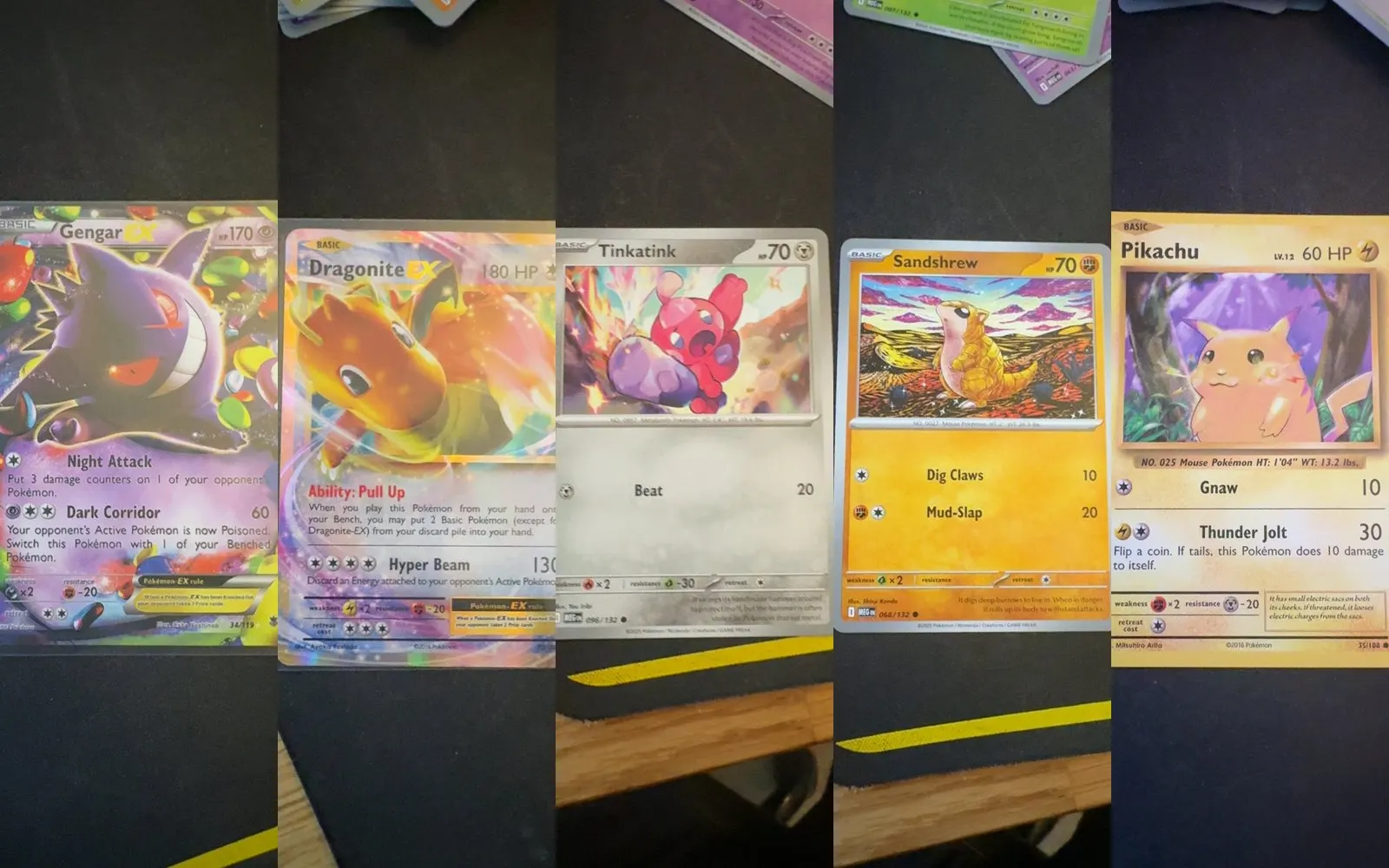
I collect Pokémon cards, and every app I tried was a price lookup with a search box. I wanted to take a photo and get back exactly which card it is (which set, which printing) and what it’s worth.
That’s harder than it sounds. The same Charizard art shows up in several sets, and a holofoil and a reverse holofoil of one card sell for different prices. Guess the wrong printing and the price is wrong too.
It was also a computer vision problem I had never touched, which was the point. I wanted a project that was a little too hard for me when I started.
The solution
One platform, built in phases, where everything shares a card catalog, a pricing layer and a collection store:
- A Python + FastAPI backend that does recognition and pricing.
- A React + TypeScript web app that installs on a phone like a normal app.
- A recognizer that commits only when it’s sure, and otherwise shows the top three and lets me tap the right one.
Recognition runs on my own desktop GPU, so scan photos never leave my machines. The internet is used for data coming in: the catalog, prices, and the listings and sold prices the deal features compare against.
Every phase got a written spec and plan before any code. Each phase ended with something I could use and a number I could check.
How it works
The catalog and prices
The public card API was badly degraded when I tested it (2 of 12 requests worked), so I bulk-loaded the catalog from the open JSON dump: 174 sets, 20,444 cards. The sync commits one set at a time, so a dropped connection costs one set, not the whole load.
Prices are stored per variant and are only ever added, never edited, so history builds up from day one. Every price keeps its source and how old it is.
That rule came from a real example. On the same day, one source said a Base Set card was worth $1,531 and another said $800. Averaging those into one “market price” would hide the disagreement, so the app never blends sources. It shows which source said what.
The recognition engine
- Find the card in the photo and get its four corners.
- Rectify it: warp the card flat to a fixed size.
- Embed it with CLIP, an image model that turns a picture into numbers where similar pictures land close together.
- Search a FAISS index of 20,391 reference card images (every catalog card that has an image) for the nearest matches.
- Read the collector number with OCR, only in the strip where that number is printed.
- Fuse both signals into one calibrated confidence.
I used two engines because they fail on different things. Visual search alone mixes up reprints. A live scan of Base Set Charizard scored 0.991 for the right card, but also 0.901 and 0.873 for two other Charizards with the same art. The collector number settles exactly those cases, and it’s what makes the answer exact.
One rule I’m proud of: only an OCR read that proves it found the number field (a full “1/102” with the slash, or a promo code with its letter prefix) can override the visual match. Bare digits can only confirm the top pick. Otherwise a “1/102” misread as “102” could turn a right answer into a confidently wrong one.
Why the threshold is strict
The number that matters is the gap between the best match and the runner-up. For correct matches it averaged 0.1201. For wrong ones it was 0.0088, about 13.7 times smaller. That separation is what makes a real confidence score possible.
I set the commit threshold at a gap of 0.05: 78.8% of test scans auto-confirm, with 1 wrong answer in 3,000. My calibration script recommended 0.02, which confirms more but let 14 wrong answers through. A confidently wrong card is the worst thing this app can do, so I took the stricter one.
Testing
Synthetic test: 3,000 damaged images
500 cards, each with 6 kinds of damage, searched against the full index:
| Condition | Top-1 | Top-3 |
|---|---|---|
| Clean | 99.8% | 99.8% |
| JPEG at quality 35 | 98.0% | 99.6% |
| Dim (55% brightness) | 99.0% | 99.8% |
| Glare overlay | 99.2% | 99.8% |
| Blur | 89.0% | 97.2% |
| All of it stacked | 85.4% | 93.8% |
Those were damaged copies of reference images, though, not photos of real cards. That wasn’t the real test.
Real test: 99 phone scans
I built the scanning app (it has to run over HTTPS, because phones won’t give a web page the camera otherwise) and took 99 real photos of physical cards:
| Result | Scans | Reviewed | Correct |
|---|---|---|---|
| Confident | 30 | 29 | 29 |
| Ambiguous (showed top 3) | 13 | 10 | I picked |
| Not found | 56 | never found a card |
When it committed, it was right 29 out of 29. But 57% of scans never got past finding the card. The recognizer was fine. The detector in front of it was failing.
I also caught a bad metric of my own. The app’s built-in “accuracy” said 74.4%, because it counted every “not sure, pick one” as wrong. Declining to guess and guessing wrong are opposites in a system built on confidence. The right pair was 100% precision at 30% coverage, and I’ve reported those two separately ever since.
Finding the real cause
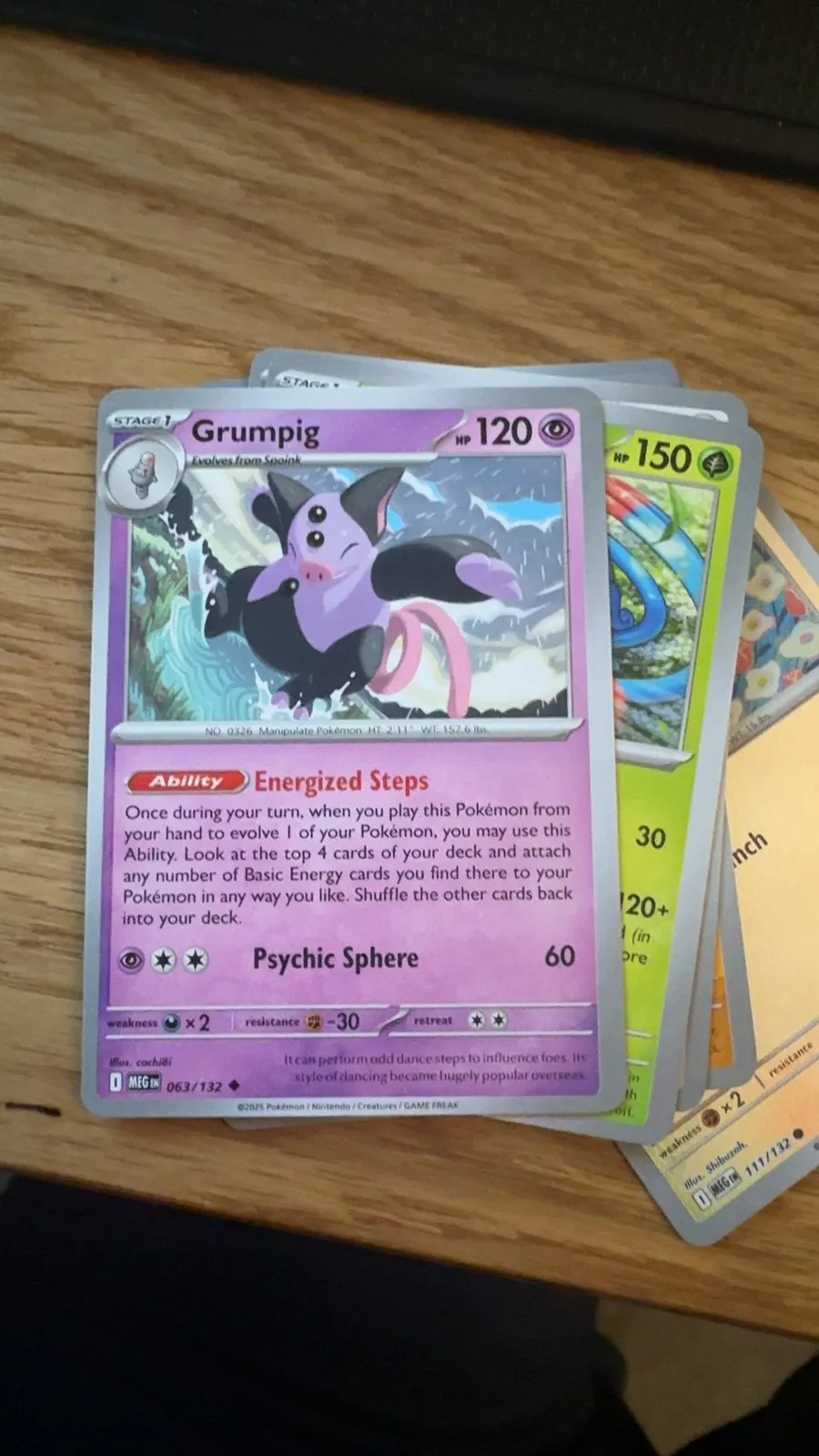
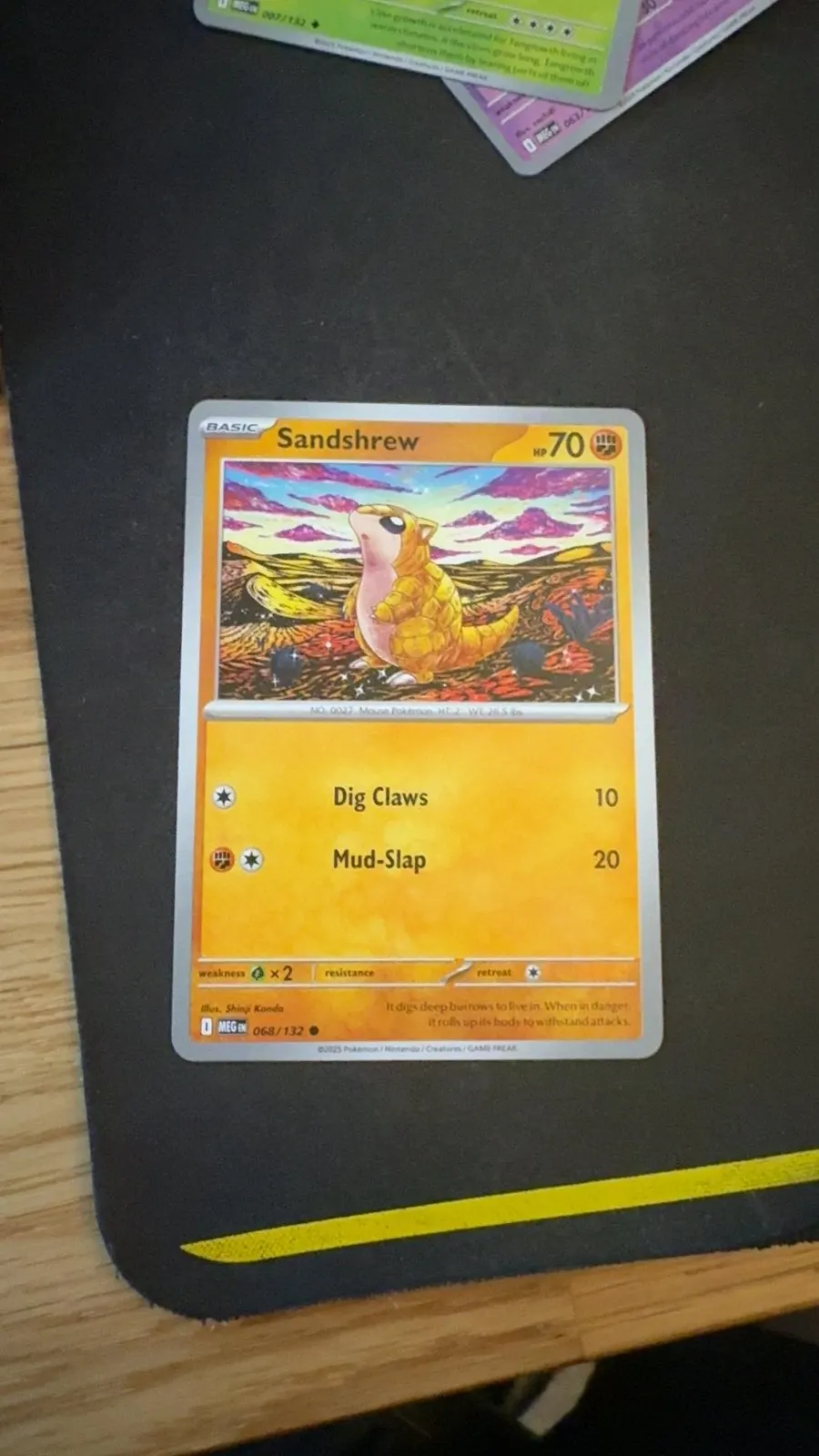
I dug into 20 of the failures. In all 20, the detector found no four-cornered shape at all. Brightness was about the same in failures and successes (89 vs 96 out of 255), so it wasn’t darkness. It was edge contrast. Two causes were stacked:
- Canny edge detection needs a gradient, not a level. A light border on a light desk never forms a closed outline. That’s why scans only worked on my black mat.
- The shape check demanded exactly 4 corners.
approxPolyDPsimplifies an outline into a polygon, and rounded corners plus sensor noise land it on 5 to 7 points. Fitting a rotated rectangle drops that requirement. A card is a rectangle, so ask for a rectangle.
Re-running 25 failed photos with detection skipped turned them from not found into ambiguous. The cards were recognizable. The uncropped frame just watered the match down.
The fix: a chain scored by recognition
Each detection strategy proposes four corners. Every proposal is cropped and embedded (about 2.2 ms each), and the crop that best matches a real card wins. OCR runs once, on the winner, because it costs about a second.
The chain mattered more than any one detector. My best new detector (Otsu thresholding plus a rotated rectangle) recovered 33 failed scans alone, but broke 6 that used to work. The chain broke none. I also added a manual fallback where you drag the four corners yourself.
The mistake I almost shipped
My first detector comparison said adaptive thresholding found the card in 56 out of 56 tricky photos. When I checked what it returned, it was the outline of the whole photo, on all 101 scans. A portrait phone photo has an aspect ratio of about 1.29, which passed my “is this card-shaped” check.
The fix was a guard that rejects any shape covering more than 98% of the frame (real cards cover 0.15 to 0.44 of it). After that, adaptive thresholding contributed nothing useful and I removed it. Now I check a detector by running recognition on its output, never by counting shapes.
OCR sharpening
Most remaining ambiguous scans were close visual calls the collector number could settle. I tested preprocessing on 39 real cropped cards and counted wrong reads too, since a wrong number is worse than none:
| Preprocessing | Correct reads | Wrong reads |
|---|---|---|
| 3x upscale (old) | 21 | 6 |
| 5x upscale | 19 | 6 |
| Contrast boost + 4x | 22 | 6 |
| Unsharp mask + 4x (shipped) | 24 | 3 |
| Taller strip + 4x | 24 | 12 |
Rules I held the whole way
- Every detection change replays every saved real scan, and the run fails on a single regression.
- Precision and coverage are always separate numbers.
- Never fake missing data. An unpriced card shows “no market price”, never $0.00. A chart with one data point shows one dot.
- No script ever deletes the data store (card images, the 40 MB index, the database, the real scans).
There were 207 backend and 22 frontend tests at the end of the detection phase. The suites kept growing with each phase, to 615 backend and 195 frontend by the proof-of-sales phase.
Results
A note on the coverage numbers, since two sets of them appear on this page. The first measurement was 30 confident answers out of 99 scans (30%). By the time I fixed detection I had saved 101 scans, and replaying that set gave a baseline of 31%. Every number after that is on the same 101 scans:
| Result | Before | After the detection chain |
|---|---|---|
| Confident | 31 | 62 |
| Ambiguous | 13 | 36 |
| Not found | 57 | 3 |
| Coverage | 31% | 61% |
Unsharp-masked OCR then moved coverage from 61% to 63% (correct number reads 21 to 24, wrong reads 6 to 3).
- Zero regressions at each step: not one scan that used to be identified correctly now returns a different card.
- On 40 hand-labelled scans, the true card ranked first 88% of the time and in the top three 98%. Even when the app won’t commit, the right answer is almost always one tap away.
- Precision on committed answers stayed at 100%.
Once scanning worked I built more on the same core: scanning a whole binder page at once, a centering check that gives the best grade centering allows (a ceiling, never a grade), watchlists and alerts, deal alerts that compare listings to recent sold prices, and a set checklist with the cost to finish a set.
Two features I tested and refused to fake. A learned grade predictor needs labelled grades, and I have zero. A counterfeit detector needs confirmed fakes, and the texture signals it would use measured as noise on phone crops. Both shipped as tools that use what I can measure plus a checklist, never a verdict.
What I learned
- Test on the real thing early. 99.8% on reference images told me almost nothing about phone photos.
- One blended “accuracy” hides the story. Precision and coverage answer different questions.
- Check what a detector actually returns. A perfect score is a reason to look closer.
- Combine weak proposals with a strong judge. No single detector beat the chain, because recognition was a better referee than any shape rule.
What’s next
- Turn unlabelled scans into ground truth. 64 of 109 saved scans have no label, so experiments rest on about 45 samples. A swipe-to-review screen would roughly double that.
- Coach the photo, not the parser. In 4 of 5 failing promo scans, nothing in the number strip was readable, so no OCR change can fix them. The next step is telling you to move closer or tilt away from glare before the shutter.
- Give the portfolio tracker data. It works, but none of my 37 collection items had a purchase price entered and no card had more than one price date. I won’t draw trend lines until real history exists.
- Run on the phone with no server, using a smaller model, held to the same zero-regression bar.
- An online shopping assistant: paste a listing link and get a deal and worth read. It’s planned, not built.
Demo video
Demo video coming soon: Scanning a card with my phone, start to finish